Bulk Upload Etsy Listings with Google Sheets (2026 Guide)
Etsy has no native way to bulk upload Etsy listings. Use a Google Sheet: one row per listing, review every draft, then publish. Sample sheet and checklist.
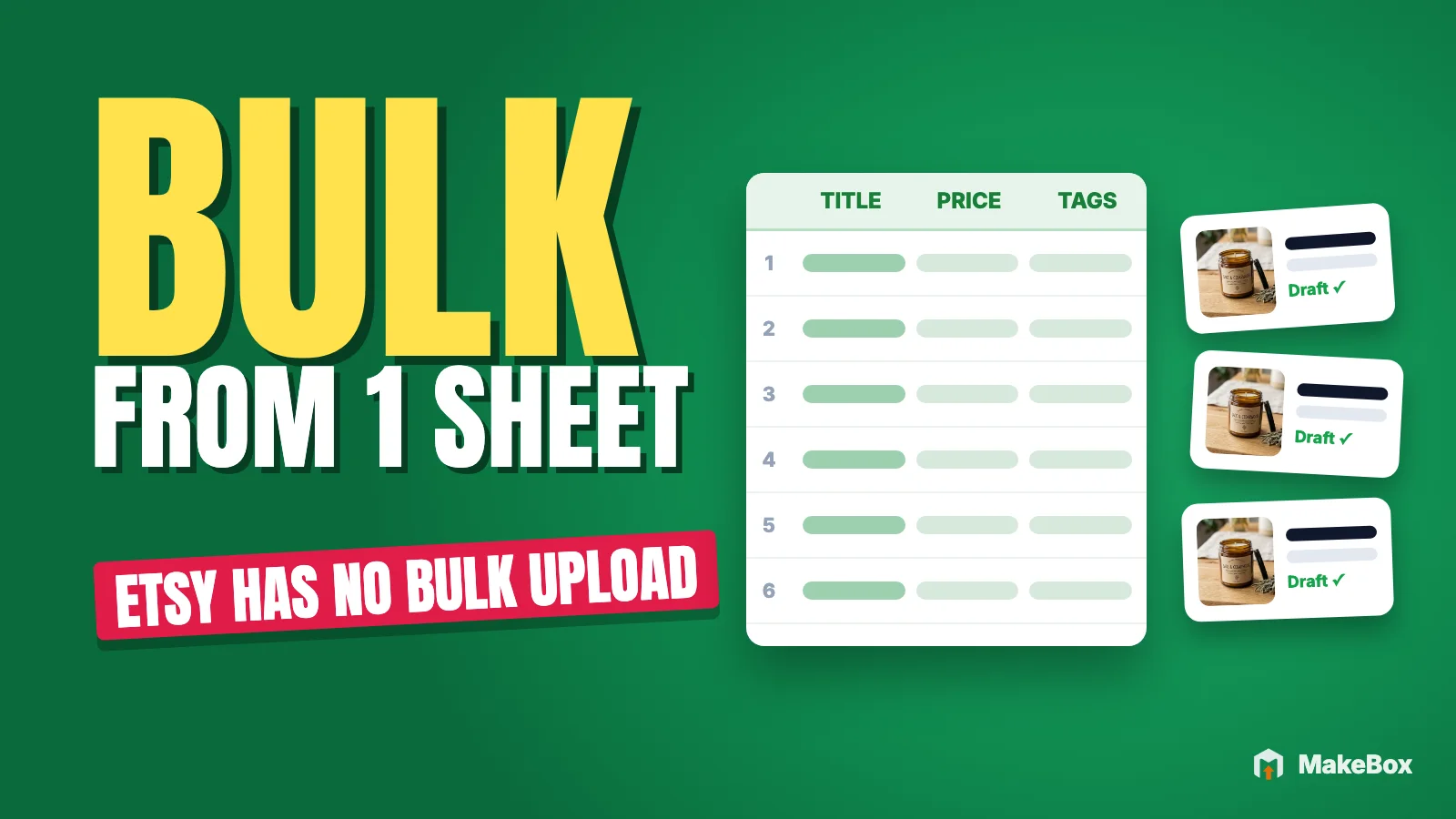
You have 40 new products photographed and a spreadsheet full of notes. Now you want to bulk upload Etsy listings the way you'd import products anywhere else: one file in, 40 listings out.
Then you discover Etsy doesn't work that way. There's no "upload CSV" button for new listings. So sellers end up typing the same fields 40 times, or they reach for a script that publishes everything unread, which Etsy now explicitly prohibits.
This guide shows the workflow that sits between those extremes. You prepare listings in a Google Sheet, one row per listing, import the rows into MakeBox as drafts, review each draft yourself and publish to Etsy only what you've approved. You'll get a sample sheet, a column-by-column guide, prompts for drafting copy with AI, a per-listing review checklist and the 2026 Etsy rules that shape all of it.
Can you bulk upload Etsy listings?
Not with Etsy's own tools. According to Etsy's Help Center article on bulk editing and copying listings, "Etsy doesn't have a way to bulk upload new listings."
What Etsy does give you:
So if you searched for an "Etsy CSV upload," the honest answer is that Etsy lets you get data *out* as a CSV, not create new listings *from* one. Copying works for close variants. For a batch of genuinely new products, you need a staging area outside Etsy, and Google Sheets is the one most sellers already use. (If your notes live in a CSV file, you can open it in Google Sheets and work from there.)
Etsy's rule against mass-automated listings
Before building any bulk workflow, know the line Etsy draws. According to Etsy's Seller Handbook article on its stance on AI creations, mass-automated generation of listings through scripts, without individualized human oversight, is prohibited. Entirely bot-generated content isn't allowed either. Etsy's October 2026 update on AI use adds that bot-generated listings without human involvement are removed and the shop may be removed too.
Etsy isn't banning spreadsheets, templates or AI help. It's banning listings nobody actually looked at: every listing needs a human who checks it individually.
That's why the workflow in this guide treats the sheet as a preparation tool, never an autopilot:
💡 A bulk workflow should save you typing, never reading. If your process lets a listing go live without a human looking at it, it's the wrong process.
The Google Sheets workflow at a glance
Here's the whole flow before we get into each step:
24 drafts · review each onenothing published yet
Steps 1–3 save the typing. Step 4 is where your attention goes, as Etsy's rules require.
Step 1: Build your listing sheet
Each row is one listing. MakeBox's Google Sheets import supports columns for title, description, tags, price, quantity, shop section, listing state, type (physical or digital, with a digital file link for digital products), up to 20 photos with alt text and 2 videos.
Sample sheet
Here's what two rows might look like. The values are illustrative, for a shop that sells both candles and printables, and the photo columns are shortened (the sheet supports Photo 1 through Photo 20, each with its own alt text).
| Title | Description | Tags | Price | Quantity | Shop section | Listing state | Type | Digital file link | Photo 1 | Photo 1 alt text | … Photo 20 + alt | Video 1 | Video 2 |
|---|---|---|---|---|---|---|---|---|---|---|---|---|---|
| Soy candle in amber jar, cedar and vanilla scent | Hand-poured soy candle in an amber glass jar… | soy candle gift, cedar candle, amber jar candle, … | 24.00 | 12 | Candles | draft | physical | link to image | Amber glass jar candle with cream wax and black lid on a wooden table | … | link to video | ||
| Printable weekly planner, A4 and US Letter PDF | Printable weekly planner with undated pages… | printable planner, weekly planner pdf, … | 6.00 | 999 | Printables | draft | digital | link to file | link to image | Weekly planner page printed on white paper beside a pencil | … |
Before you import, check the import page for the exact header names and cell formats it expects, and match your sheet to it. The sample above separates tags with commas for readability.
What goes in each column
| Column | What to put in it | Etsy guidance to follow |
|---|---|---|
| Title | What the item is, then key traits | Item first; consider under 15 words; no repeated words; no price, shipping or sale info |
| Description | Essentials first, then details and story | Sizes, dimensions, colors and ordering info at the top; keywords in the first sentences |
| Tags | Up to 13 search phrases | Each 20 characters or fewer; letters, numbers, spaces; multi-word phrases; don't repeat category or attributes |
| Price | Your price | Etsy's survey found expensive shipping is a top-10 purchase barrier; some sellers fold part of shipping into price |
| Quantity | How many you can sell | Match real stock or real production capacity |
| Shop section | The section the listing belongs in | Keep sections consistent so buyers can browse |
| Listing state | The state you intend for the listing | Imported rows become drafts in MakeBox either way; you publish after review |
| Type | Physical or digital | Digital rows need the digital file link column filled |
| Digital file link | Link to the file the buyer receives | Digital rows only; double-check it's the final file |
| Photo 1–20 | Links to your photos, in display order | Up to 20 photos; first photo a single clear image, no collage or text overlay; at least one unedited photo of the real item |
| Photo alt text | One description per photo | Up to 250 characters; describe what's visible (color, texture, scale) |
| Video 1–2 | Links to up to two videos | A video doesn't replace the required unedited photo |
This guidance comes from Etsy's Seller Handbook article on the anatomy of a well-crafted listing and its Help Center guides. For choosing all 13 tags well, see our Etsy tags guide for 2026.
Step 2: Fill each row with real facts
The fastest way to ruin a bulk batch is to let it fill itself with guesses. Treat every row as its own small listing brief.
Start with the facts columns
Before writing any copy, fill in what you know for sure: price, quantity, type, shop section and photos. Then write a short fact list for each product somewhere you can see it, such as a notes column you delete before import or a separate tab. Include:
Etsy asks you to disclose AI creations in the description, and its 2026 guidance recommends noting AI photo edits there too. Put that note into the description cell now so it can't be forgotten later.
Use AI to draft copy, one row at a time
AI is genuinely useful for turning fact lists into titles, descriptions and tags. The key is to draft per product, with that product's facts, and to read the result before it goes into the sheet.
If you use Claude or ChatGPT connected to MakeBox, the assistant can pull keyword data with search_keywords and check_keywords and look at competitor tags with competitor_tags, so your tag column is based on real search phrases rather than hunches. Keyword numbers are estimates, so use them to compare phrases, not as promises. The Etsy MCP hub explains how the connection works.
I'm preparing one row of my Etsy listing sheet. Confirmed facts:
- Item: [plain description]
- Materials: [list]
- Measured size: [dimensions]
- Variations / custom options: [what I actually offer]
- What's included: [list]
- AI note: [e.g. "background of photos 3-5 edited with AI" or "none"]

Use MakeBox keyword data (search_keywords, then check_keywords on your
shortlist) to pick phrases that fit this exact item. Then give me:
1. Title: item first, under 15 words, no repeated words, no price/shipping
2. Description: essentials first, keywords in the first sentences, short
   bullets, and the AI note at the end if there is one
3. 13 tags, each 20 characters or fewer, comma-separated, no repeats of
   category or attributes

Use only the facts above. List any fact you'd need that I haven't given.
Do not create anything on Etsy.Then a second prompt for photo alt text:
Here are my photos for this product, in order. Write one alt text per photo,
under 250 characters each. Describe only what's visible: the item, color,
texture, scale and setting. No keyword lists, no shop name.Etsy notes that putting your shop name, title or tags into alt text gives no extra SEO benefit, so keep alt text descriptive. For more on that, see our guide to writing Etsy alt text with AI.
💡 Draft a row, read it, paste it. If you catch yourself pasting ten AI drafts without reading them, stop: that's the exact pattern Etsy prohibits.
Sanity-check the sheet before import
Scan the full sheet for problems invisible row by row:
Step 3: Import the sheet into MakeBox
Open app.makebox.ai/import and import your Google Sheet. Each row becomes a draft in MakeBox. Nothing is published to Etsy at this stage.
This replaces hours of data entry: every column lands in the right field in one pass, so your time goes to review.
Step 4: Review every draft (the core of the workflow)
Here's where a bulk upload of Etsy listings becomes a compliant one. Open each draft and review it as if it were the only listing you're publishing today. Budget a few minutes per listing; for a 40-product batch, plan the review across a couple of sessions rather than rushing it at the end of a long day.
The per-listing review checklist
Facts
Copy
Photos and media
What the sheet doesn't cover
Only when a draft passes every line does it move to "ready."
Why this step can't be skipped
Etsy's rule is the obvious reason, but there are practical ones too. According to Etsy's Listing Image Requirements, if your images don't meet the requirements and a buyer opens a "materially different" case, you may be responsible for the refund. Batch mistakes multiply: one wrong photo link copied down a column can mismatch a dozen listings.
There's also the listing URL. Etsy says a listing's URL is based on the title at first publish and doesn't change afterward. A sloppy title on publish day stays in that URL even after you fix it.
Step 5: Publish to Etsy
Once a draft passes review, choose "Publish to Etsy." Publish the drafts you've approved and leave the rest in MakeBox until they're ready. A half-reviewed batch should stay half-published.
Afterward, open a few listings on Etsy and check them as a buyer would. Etsy's search visibility guidance says improvements typically show up within about 24 hours, and new listings can appear in search even before they have reviews if there are no quality issues.
Which bulk method fits your situation?
A Google Sheet isn't the right tool for every job. Here's how the options compare:
| Situation | Best tool | Why |
|---|---|---|
| A close variant of one listing (new color, new size) | Etsy's copy listing, or clone_listing_as_new via MakeBox | Starts from a reviewed listing; you change only what differs |
| Updating titles, tags or prices on existing listings | Etsy bulk edit, or MakeBox bulk SEO at app.makebox.ai/update | You're improving listings that already exist |
| A batch of new, different products | Google Sheets import at /import | One row per product, drafts first, review each |
| One new product, research-heavy | MakeBox Create Listing or an AI assistant with create_listing | More room for keyword research and copy per item |
If your real goal is fixing SEO across a catalog you already have, that's a different workflow: our guide to fixing Etsy catalogue SEO with a bulk workflow covers it. In MakeBox's bulk SEO, you see a quote first, review each suggestion, push only approved changes, and every change is logged and revertible.
For single new listings built from photos and facts, our Etsy listing generator guide walks through the app and the assistant route step by step.
Using Claude or ChatGPT alongside the sheet
You can run much of this workflow from an AI assistant connected through MakeBox; the Etsy MCP guide and demos show the setup. Relevant tools:
search_keywords, check_keywords, competitor_tags and search_top_listings help you pick phrases and see how a niche presents itself.create_listing creates an Etsy draft from content you approved. It doesn't rewrite your copy, asks for real length, width and height for physical items, and publishes only with your approval.clone_listing_as_new clones one of your listings into a new draft with an AI rewrite you review.quote_bulk_seo, start_bulk_seo and push_bulk_seo_job run a bulk SEO job with a quote first; revert_change and undo_bulk_edit roll back supported changes.Installing and connecting MakeBox to Claude or ChatGPT is free on any plan; using the MCP tools needs an active Pro or Studio plan. The connector doesn't generate images or video, so your photos still come from you. Every change that reaches Etsy goes through your approval.
Look at my listing sheet rows 2-11 (pasted below). For each row, check:
title starts with the item, under 15 words, no repeated words; exactly 13
tags, each 20 characters or fewer, no tag repeated across the same row;
description's first sentence says what the item is; alt text under 250
characters. Report problems per row. Don't rewrite anything yet.

[paste rows]A pre-check like this catches mechanical errors; it doesn't replace your Step 4 review.
What changed in 2026
Several 2026 changes apply to every row in your sheet. From Etsy's AI use update and its image requirements:
Common mistakes when bulk creating Etsy listings
Key takeaways
FAQ
Can you bulk upload Etsy listings?
Not with Etsy's own tools. Etsy's Help Center says it doesn't have a way to bulk upload new listings, though you can copy listings and bulk edit existing ones. A common workaround is preparing listings in a spreadsheet, importing them as drafts with a tool like MakeBox and publishing each one after review.
Does Etsy support CSV upload for new listings?
No. Etsy suggests downloading a CSV of your listings, for example before bulk title changes, but there's no Etsy-native CSV upload for creating new listings. If your data is in a CSV, you can open it in Google Sheets and prepare it for an import workflow.
Is it against Etsy's rules to bulk create listings?
Preparing listings in bulk isn't the problem. Etsy prohibits mass-automated generation of listings through scripts without individualized human oversight, and removes bot-generated listings. If you review and approve each listing yourself before it's published, you're keeping the human oversight Etsy requires.
What columns does the MakeBox Google Sheets import support?
One row per listing, with columns for title, description, tags, price, quantity, shop section, listing state and type (physical or digital, with a digital file link for digital products). You can add up to 20 photos with alt text and 2 videos per row. Check the import page for the exact headers it expects.
Do imported rows go live on Etsy immediately?
No. Imported rows become drafts in MakeBox. You review each draft, make any fixes and then choose Publish to Etsy for the ones you've approved.
Can I use ChatGPT or Claude to fill my Etsy bulk listing sheet?
Yes, as a drafting aid. Give the assistant each product's confirmed facts, let it suggest a title, description and tags (with MakeBox keyword data if connected), and read every draft before it goes into the sheet. Using MakeBox MCP tools needs a Pro or Studio plan.
Will bulk uploading Etsy listings help my shop rank?
Bulk tools save time, not rankings. Etsy search weighs relevance, listing and shop quality, customer service and shopper behavior. Clear, accurate listings with fitting keywords give you a better chance, but no tool can guarantee placement or sales.
Want to talk through your setup?
Get in touch and I'll walk through what would actually move the needle for your shop or business.