 MakeBox
 Fix Your Whole Etsy Back-Catalogue SEO in One Pass (Bulk Update Workflow)
Stop rewriting listings one by one. Learn a systematic bulk update workflow to refresh your entire Etsy catalogue's SEO in one organized pass, using Etsy's tools and third-party apps.

If you’ve been manually tweaking each listing to fix SEO, you’re wasting time. Your entire back catalogue can be refreshed in one organized pass—if you treat SEO as a system.
💡 A systematic bulk update workflow lets you refresh titles, tags, attributes, and shipping across hundreds of listings in a single pass, using Etsy’s native tools or third-party apps. The key is grouping listings by keyword cluster and applying reusable templates.
Why Your Back Catalogue Needs a Systematic Refresh (not a listing-by-listing fix)
Etsy’s 2026 search algorithm rewards relevance, listing quality, and customer experience signals. But most sellers have an old catalogue where titles were keyword-stuffed, tags were repetitive, and attributes were incomplete. Fixing that one listing at a time is painful and slow.
Instead, treat your catalogue as a portfolio of product clusters. Each cluster gets a consistent keyword map, title template, and attribute set. Then you use bulk editing tools to apply those changes to every listing in the cluster at once. It’s faster, less error-prone, and easier to measure.
Step 1: Segment Your Catalogue into Keyword Clusters
Start by grouping your listings into natural clusters. Think “minimalist jewelry,” “nursery prints,” “custom mugs.” For each cluster, research 30–50 relevant keyword variations using Etsy autocomplete, competitor listings, or a tool like Marmalead or eRank.
Map one primary keyword plus several secondary intent modifiers to each listing so similar products target distinct phrases. This prevents internal competition—a common mistake that hurts your whole shop’s SEO.
Step 2: Build Reusable Listing Templates per Cluster
Before touching live listings, create a template for each cluster:

A flat illustration showing three listing templates side by side: a title card, a description card, and an ima
Step 3: Use Etsy’s Native Bulk Tools for Structural Fields
Etsy’s Shop Manager lets you bulk-edit structural fields like sections, shipping profiles, and prices. Filter your listings by section, tag, or search term to isolate a cluster. Then select all listings in that filtered view and use the Quick Edit option to apply changes.
You can update:
This takes care of the structural layer in minutes. But for SEO content (titles, tags, descriptions), you’ll need a different approach.
Step 4: Bulk-Update Titles, Tags, and Descriptions (CSV or Third-Party)
Etsy’s native bulk editor also supports editing titles, tags, and descriptions for multiple listings at once. You can work cluster by cluster, rewriting according to your templates. But for a true one-pass overhaul, most high-volume sellers use:
Here’s the one-pass workflow for a single cluster:
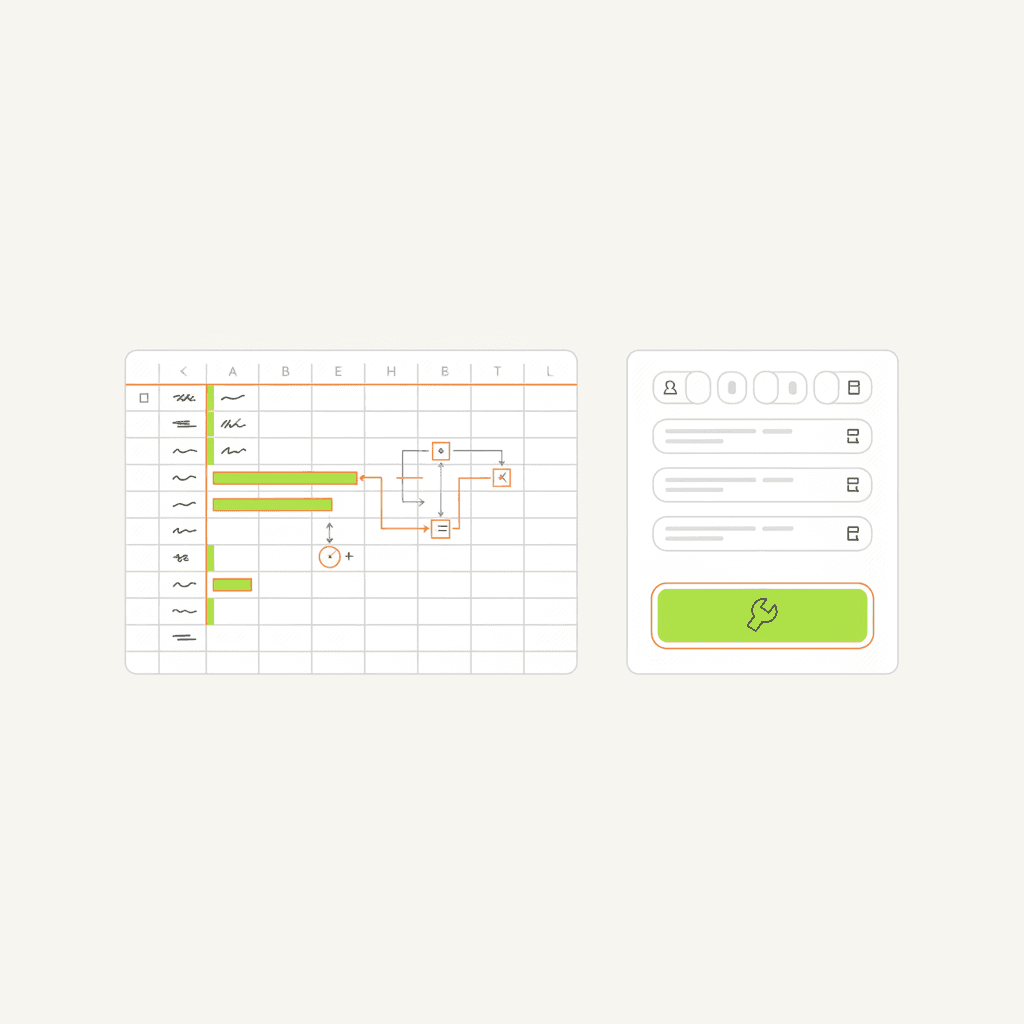
A flat illustration showing a spreadsheet with formulas and a bulk tool interface with a list of listings and
Step 5: Make Catalog-Wide Quality Upgrades
While you’re in bulk-edit mode, don’t forget the other signals that matter:
Step 6: Monitor Performance and Iterate
After your bulk pass, give it 2–4 weeks. Track impressions, clicks, favorites, add-to-cart, and conversion rate in Shop Stats. Drop underperforming keywords and double down on phrases that drive traffic.
Etsy’s algorithm rewards sustained engagement, not just a one-time edit. So plan to revisit your clusters quarterly—especially if you add new products or the market shifts.
FAQ
How long does it take to bulk-update an entire catalogue?
Depending on the size of your catalogue and the tools you use, you can complete the workflow in a single day for up to a few hundred listings. The key is preparation: segment clusters, build templates, then batch-edit.
Can I use Etsy’s native bulk editor for titles and tags?
Yes, Etsy’s Shop Manager bulk editing tool supports titles, tags, and descriptions. But for large catalogues, CSV export or third-party tools give you more control and speed.
Will bulk-updating my listings cause a ranking drop?
If you follow best practices (clarity-first titles, distinct tags, complete attributes, and competitive shipping), your rankings should improve. Avoid the common mistake of identical titles across listings—that creates internal competition. Use keyword mapping to differentiate.
Conclusion: Stop Fixing Listings One by One
Your back catalogue is a goldmine of traffic if you optimize it systematically. By clustering your products, building reusable templates, and using bulk editing tools, you can refresh your entire shop’s SEO in one pass.
MakeBox AI is built for exactly this workflow. Our tool helps you research keywords, generate title and description templates, and bulk-apply them across your Etsy shop—all in one place. Ready to fix your catalogue in hours instead of weeks?
!button: Try MakeBox AI Free →
For more on Etsy SEO optimization, check out our Etsy SEO extension guide.
Want to talk through your setup?
Get in touch and I'll walk through what would actually move the needle for your shop or business.