Etsy Listing Generator: Create AI Listings You Can Trust
Use an Etsy listing generator the safe way: real facts and photos in, a reviewed draft out. Step-by-step AI workflow, prompts and Etsy's 2026 rules inside.
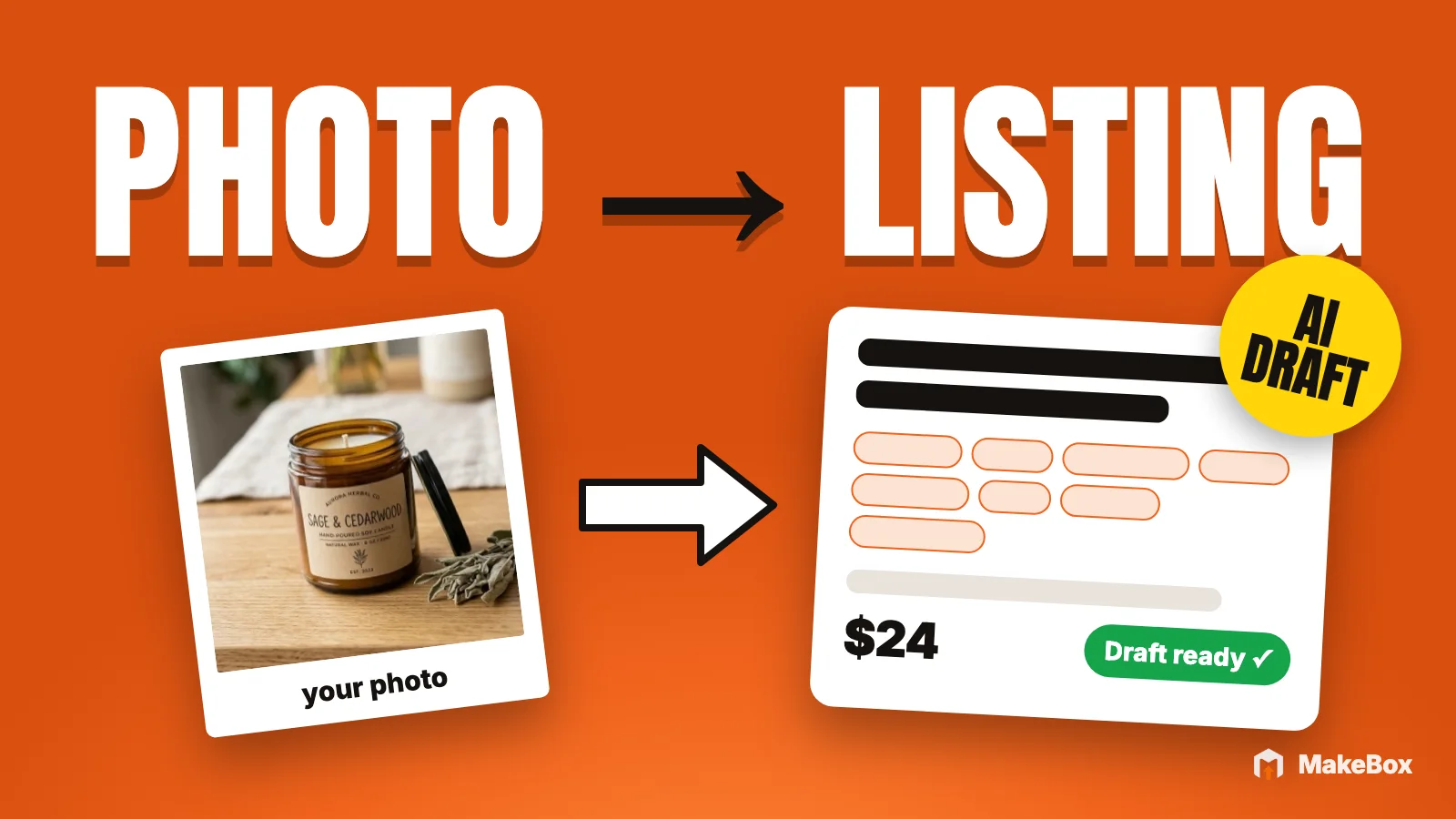
You finished a new product, took the photos, and now you're staring at an empty Etsy listing form. Title, description, 13 tags, attributes, alt text for every photo. Multiply by ten new items and it eats your week.
An Etsy listing generator promises to fix that: drop in a photo, get a finished listing. The trouble is that most "generate it all" tools also invent things. A made-up material, a guessed size or a dimension that's half an inch off is exactly what turns into a "not as described" case.
This guide shows you a better way to use an AI Etsy listing generator. Real facts and real photos go in, a draft comes out, and you review it before anything reaches Etsy. You'll get the exact workflow, copy-ready prompts, a fact sheet template, a review checklist and the October 2026 Etsy rules every AI-written listing now has to respect.
What an Etsy listing generator should (and shouldn't) do
A good Etsy listing creator does three jobs well. It turns your notes into readable copy, it suggests search phrases that actually fit the item, and it puts everything into the right fields so you're not copy-pasting between tabs.
What it should never do is fill gaps with guesses. If you didn't say the jar is 3 inches tall, the right behavior is to ask you, not to pick a number that "sounds normal."
Here's how the three common approaches compare:
| Approach | What you put in | What comes out | Main risk |
|---|---|---|---|
| Plain chatbot (no shop data) | Photo + a few notes | Generic copy and guessed tags | Tags with no search data behind them; invented details |
| "One-click" generator | A photo | A fully filled listing | Facts inferred from the image; easy to publish without reading |
| Facts-first generator with review | Photos + confirmed facts + keyword data | A draft with missing facts flagged | Takes 5–10 minutes of your attention per listing (that's the point) |
This article teaches the third row: slower than one click, much faster than writing from scratch, and the only version that fits how Etsy now expects sellers to use AI.
💡 Treat an AI listing generator like a fast junior copywriter: great first drafts, zero authority over the facts.
What Etsy says about AI-written listings
According to Etsy's stance on AI creations, every item listed on Etsy must involve "direct, individual human prompting, curation, and creative input." The same page says mass-automated generation of listings through scripts, without individualized human oversight, is prohibited. Entirely bot-generated content is not allowed.
The October 2026 update in Etsy's Seller Handbook, Important updates to AI use on Etsy, goes further. Bot-generated listings without any human involvement are removed, and Etsy says that can lead to the shop being removed too.
So yes, you may use an Etsy listing generator, as long as you are genuinely making the decisions on every listing. Practically:
How Etsy's own AI tools work
Etsy's own optional AI tools follow the same pattern. According to Etsy's Seller Handbook, it offers attribute suggestions and listing title suggestions, and its principle is that you review, edit and approve.
In September 2026, Etsy also started testing a "quick list" form. According to Etsy's updates page, it suggests titles, tags, attributes and more from your photos and descriptions, for a limited group of sellers for now. That's Etsy's own direction: AI drafts from your inputs, you finish the listing. Whether you use Etsy's form, the MakeBox app or an AI assistant, the workflow below applies.
The facts-first workflow, step by step
Here's the full process. It works the same whether you use the MakeBox app or Claude/ChatGPT connected through MakeBox; the tool-specific parts come later.
Step 1: Write a fact sheet before you touch AI
This is the step most people skip, and it's the one that makes the rest safe. Spend three minutes writing down what's true about the item. The AI will only be as accurate as this list.
| Field | Example (illustrative, for a candle shop) | Why it matters |
|---|---|---|
| What it is, in plain words | Hand-poured soy candle in an amber glass jar | Goes first in the title and first sentence |
| Materials | Soy wax, cotton wick, amber glass, metal lid | Feeds description, attributes, tags |
| Size / dimensions | Measured: height, width, weight if relevant | Prevents "smaller than expected" cases |
| Variations / custom options | Three scents; custom label text | Must match what you'll actually make |
| What's included | Candle, lid, care card | Buyers ask; AI shouldn't guess |
| Processing & shipping notes | Your real processing time | Must match your shipping profile |
| Care / safety notes | Your real care instructions | Never let AI write these from nothing |
| AI involvement | "Background of photo 3 edited with AI" | Etsy asks you to disclose AI edits |
If you sell digital products, swap physical dimensions for file details: file types, pixel size or print sizes, number of pages, what the buyer receives.
Step 2: Prepare photos that pass Etsy's 2026 rules
Your photos are input for the generator and the most important part of the finished listing. According to Etsy's Seller Handbook on the anatomy of a well-crafted listing, you can add up to 20 photos. Etsy recommends at least 2,000 pixels in width and height (the minimum is 635px), and advises against text overlays, collages and multi-image thumbnails on the first photo.
Under Etsy's Listing Image Requirements, most listings now need at least one unedited photo of the actual item against a real background. It doesn't have to be the first photo, and a video doesn't replace it. You can crop, resize, watermark or change the format of that photo, but not with AI-powered tools, and you can't adjust its lighting.
Your other photos can be edited, including cleaning up or replacing the background, as long as the product stays accurate. That's why AI product photos in the MakeBox app keep your real product and replace only the background or scene. If you want to build a full gallery from one good shot, see our guide to turning one photo into a full gallery with AI product photos.
Step 3: Research keywords that fit the item
A generator that writes tags without data is guessing what shoppers type. Before drafting, look up real phrases. In MakeBox, the keyword hub at app.makebox.ai/keywords lets you search and analyze phrases with demand and competition estimates. If you work in Claude or ChatGPT with MakeBox connected, the assistant can call search_keywords, check_keywords and competitor_tags for you.
Keep the numbers in perspective: search volumes are estimates, not promises. What you're looking for is phrases that describe your item accurately and that real shoppers use. A long-tail phrase that matches your exact product usually beats a broad, crowded one.
Etsy's own tag guidance gives you the limits to respect:
For a deeper method, our Etsy tags guide for 2026 walks through choosing all 13.
Step 4: Generate the draft
Now the generator earns its keep. Give it the fact sheet, the photos and your shortlisted keywords, and ask for a title, description and 13 tags, plus a list of anything it still needs to know.
New listing · ready to reviewnot created yet
A strong draft follows Etsy's own structure:
Step 5: Review, fix and fill the gaps
Read the draft like a buyer about to spend money. Check every fact against your fact sheet, answer the questions the AI flagged, and move subjective fluff out of the title. This is the individualized human oversight Etsy asks for.
Step 6: Save as a draft, then publish when it's right
Save first. Look at the listing preview, check the first photo thumbnail, fill category and attributes, confirm shipping and return policy, then publish.
One reason not to rush: according to Etsy's SEO guidance, your listing URL is based on the title you enter when you first publish, and it doesn't change afterward even if you edit the title. Get the title right before the first publish.
Option A: the MakeBox app (Create Listing)
If you prefer a visual editor, the Create Listing page at app.makebox.ai/create is MakeBox's AI Etsy listing generator.
Here's how it works:
A note on the "from a URL" and "saved competitors" sources: use them to study structure (how a strong listing in your niche is organized), not to copy someone else's words or photos. Your facts, your photos and your voice are what make the listing yours and keep it accurate. If you'd rather do that research in chat, the Etsy MCP connector lets your assistant pull competitor tags for you.
💡 Templates save more time than any prompt: once your structure is fixed, you're only editing facts, not reinventing layout.
Option B: Claude or ChatGPT connected through MakeBox
If you'd rather work in conversation, connect your AI assistant to MakeBox. The MakeBox MCP connector gives Claude or ChatGPT/Codex Etsy tools: keyword research, competitor data and, after you connect your shop, the ability to create drafts in your own Etsy shop. The Etsy MCP hub explains how the connection works and shows demos. Setup takes a few minutes; our guide to connecting Etsy to Claude walks through every click.
Installing and connecting is free on any MakeBox plan; using the MCP tools needs Pro or Studio. The connector doesn't generate images or video, so you bring your own photos.
The division of labor is important. In this route, the assistant writes the copy, using MakeBox keyword data. The create_listing tool then creates an Etsy draft from the content you approved. It doesn't rewrite your copy. For physical items it asks for real length, width and height before creating the draft, and it publishes only with your approval.
Prompt 1: research and draft (nothing touches Etsy)
I'm creating a new Etsy listing. Photos are attached. Confirmed facts:
- Item: [what it is, in plain words]
- Materials: [list]
- Measured size: [length x width x height, weight if relevant]
- Variations / custom options: [what you actually offer]
- What's included: [list]
- Processing time: [your real time]

Use MakeBox to research keywords: run search_keywords for the main product
phrase, then check_keywords on your shortlist, and look at competitor_tags
for 2-3 similar listings. Then draft:
1. A title (item first, under 15 words, no repeated words, no price/shipping)
2. A description (essentials first, keywords in the first sentences, bullets)
3. 13 tags, each 20 characters or fewer, no repeats of category/attributes

For each tag, tell me why it fits and show the search data as an estimate.
List every fact you'd need but I haven't given you. Do not create anything
on Etsy yet.Prompt 2: create the Etsy draft
I approve this title, description and tags exactly as written above.
Use create_listing to create a DRAFT in my Etsy shop with this content.
Do not rewrite anything and do not publish. Before you create it, show me
the shop, the fields and the values you'll send, and ask me for anything
required that's still missing.Prompt 3: photos and alt text
Give me an upload link for my photos with get_upload_link, then attach them
to the draft with add_photos_to_listing in this order: [list]. Photo [X] is
my unedited photo of the real item. Then draft alt text for each photo with
generate_alt_text (under 250 characters, describe color, texture and scale).
Show me every alt text before saving anything with set_photo_alt_text.Etsy allows up to 250 characters of alt text per image, and its help center notes that stuffing your title or tags into alt text gives no extra SEO benefit. Describe what a buyer would miss if the image didn't load.
Prompt 4: a variant from a listing you already have
When you add a new color or scent of an existing product, start from your own listing instead of from zero:
Clone my listing [listing ID or title] as a new draft with
clone_listing_as_new. The new version is [what changed: scent, color,
size]. Update every fact that changed and show me the rewritten copy
side by side with the original before I approve anything.clone_listing_as_new creates a new draft with an AI rewrite, so the review step still applies: check that the changed facts are right everywhere, not just in the title.
For dozens of copy-ready prompts beyond listing creation, see our collection of ChatGPT and Claude prompts for Etsy sellers.
App vs assistant: which Etsy listing creator fits you?
Both routes produce the same thing: a draft you review and publish. Choose by how you like to work.
| Who writes the copy | MakeBox AI, from photos + context + template | Your assistant, using MakeBox keyword data |
|---|---|---|
| Templates | Five product templates; star one | Your own instructions in the prompt |
| Keyword data | Keyword hub in the app | search_keywords, check_keywords, competitor_tags |
| Etsy draft | Save as draft or publish from the editor | create_listing from approved content |
| Variants | Build from your shop | clone_listing_as_new |
| Plan note | See plans | MCP tools need Pro or Studio |
| Best for | Sellers who think visually and want consistency | Sellers who already live in Claude or ChatGPT |
The review checklist (use it on every listing)
Paste it into your assistant to pre-check a draft, then check it yourself anyway.
Facts
Title
Description
Tags and attributes
Photos
Shop basics that affect search
What changed in 2026
If you used an AI listing generator before October 2026, a few things work differently now. Here's the short version, from Etsy's AI use update and Listing Image Requirements:
Print-on-demand, digital downloads, made-to-order items and grid patterns have exceptions.
Common mistakes with AI listing generators
Key takeaways
create_listing if you prefer working in chat.FAQ
What is the best Etsy listing generator?
The best Etsy listing generator is one that writes from facts you supply, backs tags with keyword data, flags missing information and lets you review before anything is published. Avoid tools that infer materials or sizes from a photo and push straight to live. The MakeBox app's Create Listing editor and Claude or ChatGPT connected through MakeBox both follow a draft-then-review flow.
Is it allowed to use an AI Etsy listing generator?
Yes. Etsy allows AI assistance, but every item must involve direct, individual human prompting, curation and creative input. Mass-automated listings without individualized human oversight are prohibited, and bot-generated listings are removed. Review and edit every draft yourself.
Can AI write my Etsy title, description and tags from a photo?
It can draft them, but a photo alone isn't enough for accurate copy. AI can't reliably tell size, materials or what's included from an image. Give it a fact sheet with measured dimensions and confirmed materials, then check every line before saving.
Does Etsy have its own AI listing tool?
Etsy offers optional AI tools such as title and attribute suggestions. In September 2026 it began testing a quick list form that suggests titles, tags, attributes and more from your photos and descriptions, for a limited group of sellers. Like any generator, its suggestions are yours to review and edit.
Do I have to disclose that I used AI on my Etsy listing?
Etsy requires disclosure in the listing description if the item itself was created with AI. Its October 2026 guidance also recommends noting in the description if you AI-edited any photo. Etsy's guidance focuses disclosure on AI-created items and AI-edited photos; whichever tool drafts your copy, every fact in it must be accurate.
Can Claude or ChatGPT create a listing directly in my Etsy shop?
Yes, through MakeBox. With your Etsy shop connected and a Pro or Studio plan, the assistant drafts the copy and the create_listing tool creates an Etsy draft from the content you approved. It asks for real dimensions for physical items and publishes only with your approval.
Will an AI-generated listing rank higher in Etsy search?
No tool can guarantee rankings. Etsy search weighs relevance, listing quality, shop quality, customer service and shopper behavior. A clear, accurate listing with fitting keywords gives you a better chance, but placement and sales are never guaranteed.
Want to talk through your setup?
Get in touch and I'll walk through what would actually move the needle for your shop or business.