Etsy Alt Text: Rules, Examples and an AI Workflow (2026)
Write Etsy alt text that helps shoppers and Google: Etsy's 250-character rules, good vs bad examples for 8 products, and an AI draft-and-review workflow.
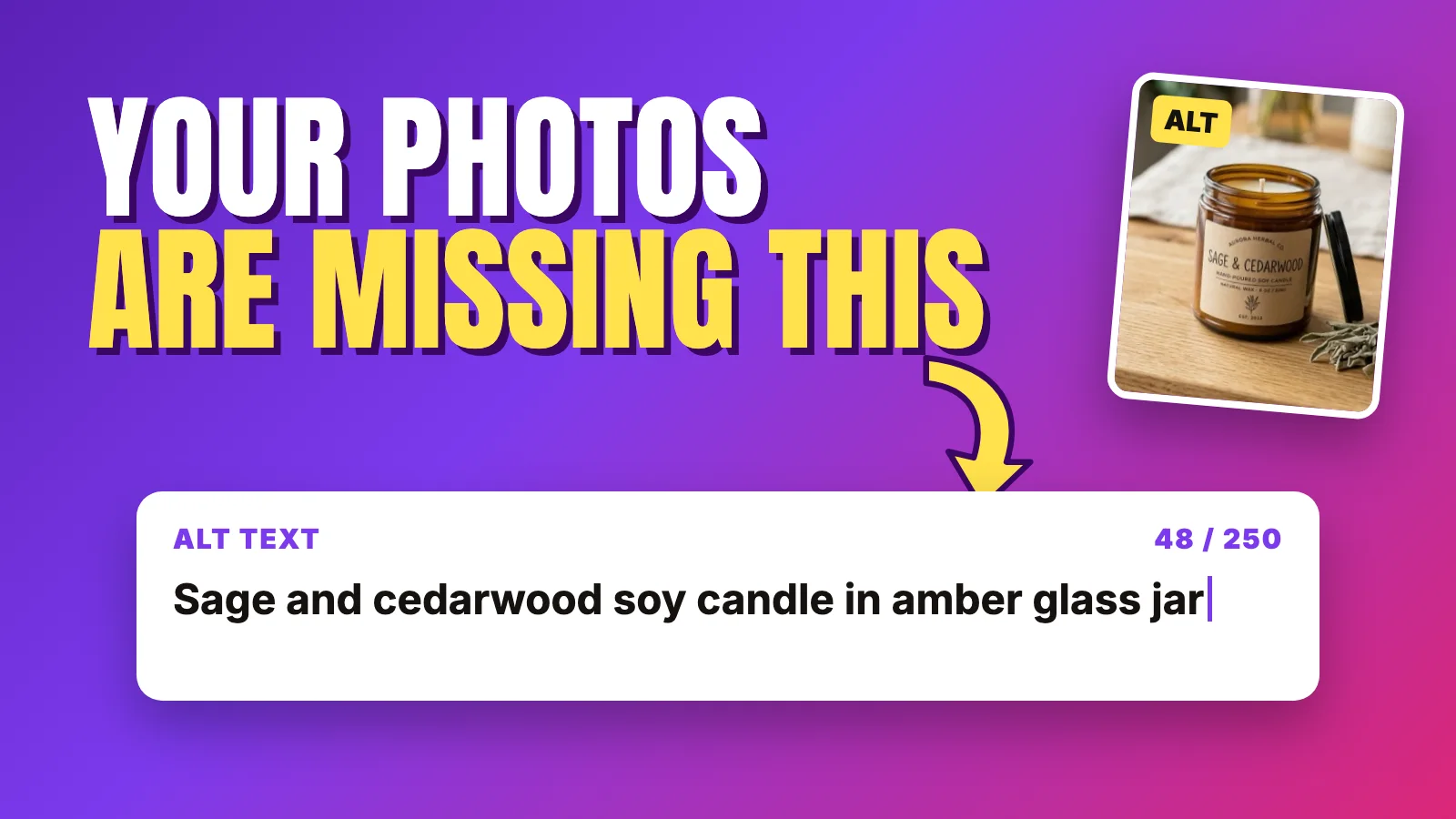
Open almost any Etsy listing editor and look at the alt text field under each photo. In a lot of shops it's empty, or it holds the same three words copied onto every image. It's the most ignored field in the listing, mostly because nobody is sure what to put there or whether it does anything.
Etsy alt text does a few useful things. It describes your photos to shoppers who use screen readers, it fills in when an image doesn't load, and, according to Etsy, it lets search engines outside Etsy read your images. It also has firm limits, and stuffing it with keywords doesn't help.
This guide covers what Etsy actually says about alt text, a simple formula for writing it, good-versus-bad examples for eight product types, and an AI workflow that drafts alt text for every photo, shows you the cost first and saves nothing until you've reviewed it.
What Etsy says about alt text
Etsy keeps its alt text guidance short. Here's what Etsy's Help Center article on adding a text alternative to listing images covers, paraphrased:
Etsy's Help Center guide to SEO for shop and listing pages adds the Google angle: alt text helps describe images for people with visual impairments, and accurate alt text helps Google understand what's in a photo, which may help your page appear in image-based searches. Its advice is to clearly and accurately describe what's in the photo, including details like color, texture and material.
💡 Etsy's own test is the best one: if this photo failed to load, what would a buyer lose? Write that, in plain words, and you've written good alt text.
Does alt text help Etsy search?
Be precise here, because a lot of advice online isn't. Etsy's search guidance says query matching reads your title, tags, attributes, categories, description, first photo, reviews and more. Alt text isn't named in that guidance. Etsy's own alt text article frames the SEO benefit as search engines *outside* Etsy reading your images, and says the effect "might" be positive.
So treat alt text as accessibility first, Google Images second, and never as a hidden tag field. That framing also keeps you away from keyword stuffing.
Who actually reads your alt text
| Reader | What they need from it |
|---|---|
| A shopper using a screen reader | A clear picture in words: what the item is, color, material, size cues, what this photo shows |
| A shopper on a slow connection | A quick description while the image loads, or if it never does |
| Google and other search engines | An accurate description of the image, which may help it appear in image searches |
None of these readers needs your shop name, your price, "free shipping" or a list of 13 tags.
How to write Etsy alt text: a simple formula
Most good alt text follows the same shape. Not every piece fits every photo, but this order works for nearly everything sold on Etsy:
[What it is] + [key visual details: color, material, texture] + [scale or context] + [what this particular photo shows]
For example, a ceramic shop might write:
Speckled white stoneware mug with a glossy blue glaze ring at the base, held in one hand to show it fits a palm, photographed from the sideThat's 139 characters: specific, honest and readable aloud.
Match the alt text to the photo's job
Every photo in your gallery has a job, and its alt text should describe that job. Repeating the same sentence on all 20 photos tells a screen reader user nothing new.
| Photo type | What the alt text should emphasize |
|---|---|
| Main photo | What the item is, main color and material, overall shape |
| Detail or close-up | The texture, stitching, glaze, grain or finish visible up close |
| Scale photo | The size cue: in a hand, on a finger, next to a common object |
| In-use or styled photo | How it's used and where, without inventing a setting that isn't shown |
| Variation photo | Which color, size or option this image shows |
| Back, inside or underside | What's visible there: pockets, hardware, maker's mark, lining |
| Packaging photo | What the buyer receives: box, wrapping, card, if shown |
| Unedited photo | A plain, accurate description of the real item on its real background |
A character-count tip
Etsy's limit is 250 characters, but you don't need to fill it. As a working habit, aim for roughly 80–200 characters: long enough to cover color, material, scale and what the photo shows, short enough to listen to comfortably. Put the most important words first in case anything is cut off.
To check length quickly:
=LEN(A2) in column B. Add conditional formatting to turn anything over 250 red.Etsy alt text examples: good vs bad
These examples are illustrative. They show the pattern, not real listings, so adjust every detail to match what's actually in your photo.
| Product (photo type) | Bad alt text | Good alt text |
|---|---|---|
| Soy candle (main photo) | lavender soy candle gift for her candle best candle shop | Amber glass jar soy candle with a smooth cream wax top and a wooden wick, shown on a light oak table |
| Stoneware mug (close-up) | mug | Close-up of a speckled white stoneware mug where the glossy glaze pools into a deep blue ring above an unglazed, textured foot |
| Silver ring (scale photo) | IMG_4471 | Thin hammered sterling silver ring worn on an index finger, the band narrower than the fingernail, catching soft window light |
| Printable wall art (digital preview) | printable wall art digital download instant download poster | Preview of a printable line drawing of three eucalyptus stems in black ink on white, shown in a simple frame to illustrate the layout |
| Baby blanket (styled photo) | Beautiful amazing perfect blanket you will love!!! | Folded mint green baby blanket knit in chunky moss stitch with a ribbed border, next to a small wooden toy for size |
| Leather wallet (inside view) | brown leather wallet (same text on all 8 photos) | Open bifold wallet in tan leather showing four card slots, a full-length bill pocket and hand-stitched edges in white thread |
| Acrylic wedding sign (personalized) | custom sign wedding sign welcome sign acrylic sign wedding decor | Clear acrylic wedding welcome sign with white script lettering and sample names, standing on a gold easel beside a flower arrangement |
| Sticker sheet (scale photo) | Waterproof vinyl stickers, ships free worldwide | Sheet of twelve die-cut mushroom stickers in rust, mustard and cream, laid beside a pencil to show each one is roughly thumb-sized |
Why the bad versions fail
💡 Read your alt text out loud with your eyes closed. If you can picture the photo and tell it apart from the other photos in the listing, it works.
How to write alt text for Etsy photos with AI
Writing alt text for 20 photos across 100 listings by hand is why most shops skip it. AI helps, as long as a person checks every line against the photo: vision models misjudge colors, mistake materials and guess at sizes, and wrong alt text is worse than none.
Here's the workflow with the MakeBox connector inside Claude or Codex. If you haven't connected it yet, the Etsy MCP hub explains how the connection works and links the setup guides.
Before you start:
Step 1: Pick a listing and see what's there
Start with one listing, ideally a best seller with a full gallery. Ask your assistant to pull it with get_listing and show you each photo and any alt text it already has.
Use MakeBox to get listing 1234567890. List every photo in order with
its current alt text, if any. Don't change anything.If Etsy has already added AI alt text to some images (it may do this for US sellers when none is provided), you'll want to review those lines too. They're editable, and they're no more guaranteed to be accurate than any other AI draft.
Step 2: Check the cost, then draft with generate_alt_text
The generate_alt_text tool drafts alt text for each photo of a listing with AI. It uses your plan's allowance, so ask for the cost before it runs.
Before running anything, tell me what generate_alt_text would cost for
listing 1234567890. Then wait for my go-ahead.Once you approve:
Run generate_alt_text for listing 1234567890. For each photo show:
photo number, draft alt text, character count. Rules: describe only
what is visible, include color, material, texture and a scale cue
where the photo shows one, no shop name, no tags, no price or
shipping, max 250 characters. Don't save anything yet.Alt text drafts · 3 photosreview before saving
Amber glass jar soy candle with a cotton wick and a sage-green label, beside dried sage on a light wood table.
0Close-up of the candle’s smooth cream wax surface and centered wick, showing the jar rim and label edge.
0Candle held in one hand to show its size: the jar is about as tall as a coffee mug.
0Step 3: Review every line against the photo
This is the step that makes the whole thing worth doing. Open the listing photos next to the drafts and check each line:
Fix lines directly in chat:
Photo 3 is brass, not gold, and photo 5 shows the back with the
maker's stamp. Rewrite those two lines, keep the others, and show
the full final list with character counts.Step 4: Save with set_photo_alt_text
When the list is right, save each line with set_photo_alt_text, which writes one photo's alt text. The assistant should show you the photo and the exact text before it writes.
Save the approved alt text to each photo of listing 1234567890 with
set_photo_alt_text, one photo at a time. Before each save, show the
photo number and the final text, and wait for my confirmation.There's a technical detail worth understanding. Through Etsy's API, alt text can only be set when a photo is uploaded. So to update it, MakeBox detaches the photo and re-attaches it by its Etsy image ID with the new alt text. The image file itself isn't re-uploaded.
Step 5: Check the listing on Etsy
Open the listing in your Etsy listing editor afterwards. Confirm each photo shows the approved alt text and the gallery looks as expected, including photo order. A tool confirms a request succeeded; your own look is the final check.
No MakeBox? You can still do this
You don't need any tool to write good alt text. Open each listing in Shop Manager, click into each photo's alt text field and write it using the formula above. If you'd like AI help without the connector, paste a photo into Claude or ChatGPT and use a prompt like this:
Write alt text for this Etsy product photo. Describe only what is
visible: what the item is, color, material, texture, and any scale
cue in the photo. Plain language, no keywords list, no shop name,
no price or shipping, under 200 characters. Then tell me anything
you're unsure about, such as the exact material or color.The last line matters. Asking the AI to flag uncertainty gives you a short list of things to verify instead of a confident guess. For more ready-to-use prompts, see our collection of AI prompts for Etsy sellers.
Alt text inside the MakeBox app
If you build listings or photos in the MakeBox app rather than in chat, alt text is part of those workflows too:
One clarification: the MakeBox Etsy MCP connector in Claude or Codex doesn't generate images or video. It drafts and saves alt text for photos you already have. Image generation lives in the app.
What changed in 2026: Etsy's photo rules and your alt text
Etsy tightened its photo rules in October 2026, and they shape how you should describe your images. The key points from Etsy's Seller Handbook update on AI use and its listing image requirements:
What this means for alt text:
For practical ways to get that unedited photo right at home, see our guide to Etsy product photos without a studio.
Common Etsy alt text mistakes
Key takeaways
generate_alt_text, review every line against the photo, save with set_photo_alt_text, then verify on Etsy.If you sell to shoppers in other languages too, our guide on how to translate Etsy listings with AI uses the same draft, review and approve approach.
FAQ
What is Etsy alt text?
Etsy alt text is a short written description attached to each listing photo. It's read aloud by screen readers, shown if an image doesn't load, and, according to Etsy, lets search engines outside Etsy read your images. Etsy allows up to 250 characters per image.
How long can Etsy alt text be?
Up to 250 characters per photo. You don't need to use all of them: around 80–200 characters is usually enough to cover what the item is, its color and material, a scale cue and what that specific photo shows.
Does Etsy alt text help SEO?
Etsy says alt text lets search engines outside Etsy read your images and might positively affect SEO, for example in image searches. Etsy also says adding your shop name, title or tags gives no extra SEO benefit, so write for clarity rather than keywords.
Does Etsy add alt text automatically?
For US sellers, Etsy may add AI-generated alt text to images that don't have any. It won't change alt text you've already written, and you can edit what Etsy adds, so it's worth reviewing those descriptions for accuracy.
How do I add alt text to Etsy photos?
If your shop's default language is English, open the listing in Shop Manager or the Etsy Seller app, select a photo and add its alt text. With MakeBox in Claude or Codex, you can draft alt text with generate_alt_text, review it, and save each line with set_photo_alt_text.
Can AI write my Etsy image alt text?
Yes, AI is good at drafting it, but review every line against the actual photo. AI often misreads colors and materials and may guess at sizes. MakeBox's generate_alt_text uses your plan's allowance, so check the cost first and save only what you've approved.
Should alt text be different for each photo?
Yes. Each photo shows something different, like a close-up, a scale shot, a variation or the packaging, so each alt text should describe what that particular image adds. Repeating one line across the gallery gives screen reader users nothing new.
Should I mention AI edits in my alt text?
It's optional. Etsy's guidance asks you to note AI edits in your listing description and to keep at least one unedited photo of the real item. In alt text, describe the product accurately and avoid presenting an AI-replaced background as a real location.
Want to talk through your setup?
Get in touch and I'll walk through what would actually move the needle for your shop or business.