 MakeBox
 We set up the tools. You focus on the work.
AI tools are powerful — but configuring them for your workflow takes time. We install, configure, and hand over a working setup so you can start using it the same day.
Tools & services catalog
From terminal-based AI coding assistants to custom MCP modules and Chrome extensions — we configure and build the AI stack that fits your workflow.

Claude Code
AI coding assistant that works directly in your terminal. We set it up on your Mac, PC, or remote server — configure project context, connect to your codebase, and train custom workflows.
- Installation on Mac, Windows, or Linux server
- Project context & memory configuration
- Custom slash commands and hooks
- Team setup + shared configurations
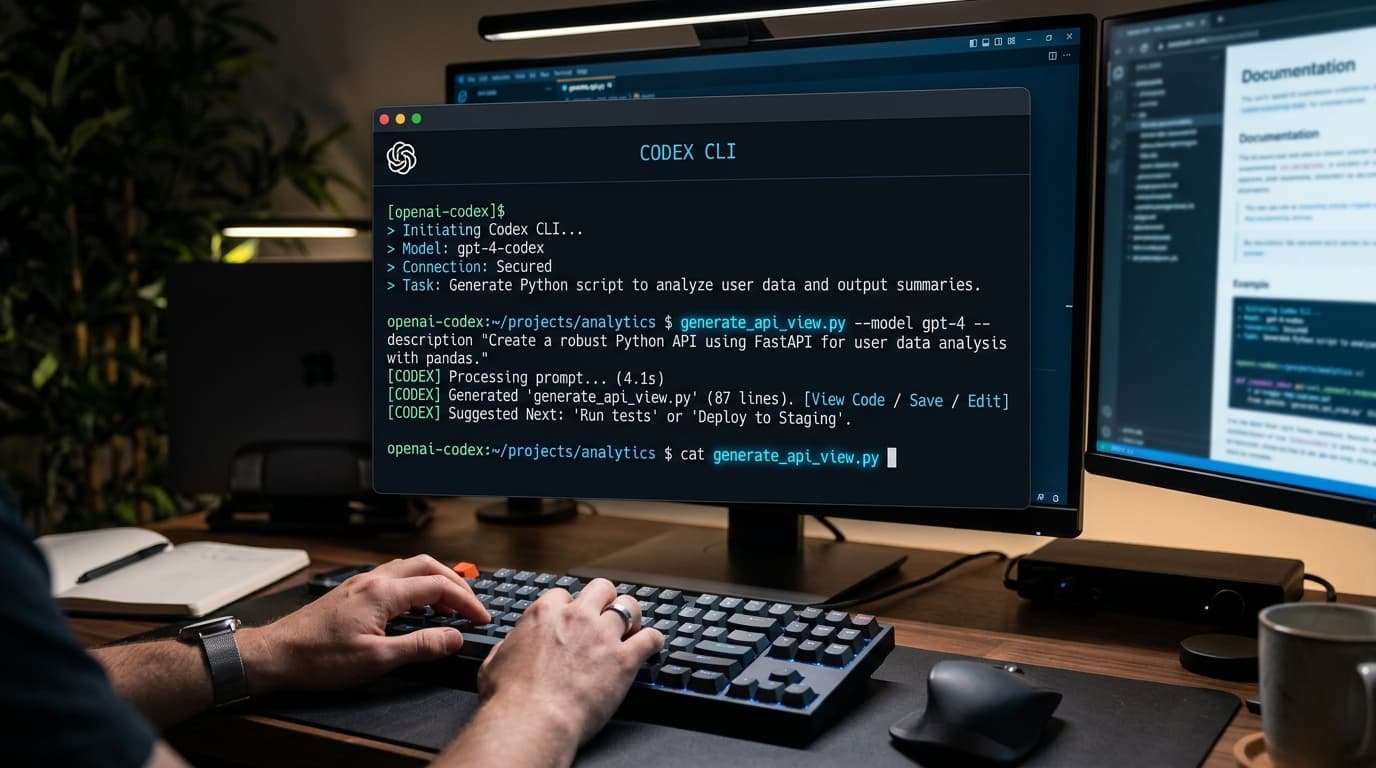
Codex CLI
OpenAI's terminal coding agent. We install, configure, and connect Codex CLI to your existing projects so you can generate, refactor, and debug code with natural language.
- Installation & API key configuration
- Project integration and context setup
- Workflow automation scripts
- Side-by-side Claude Code + Codex routing
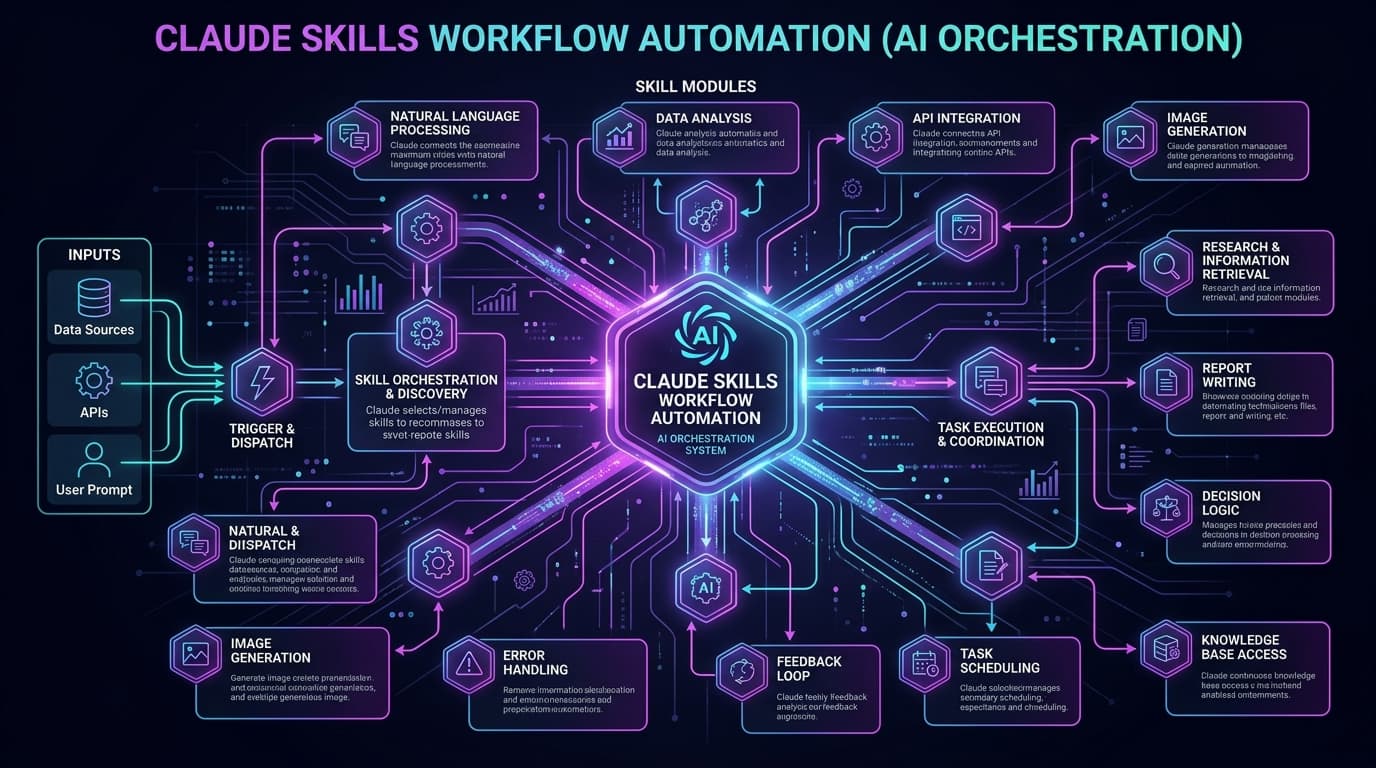
Claude Skills & oh-my-claudecode
Custom skill packs and workflow orchestration for Claude Code. We build and install skills tailored to your business — from morning digests to automated outreach and code reviews.
- Custom skill creation for your workflows
- oh-my-claudecode framework installation
- Agent orchestration setup
- Telegram, Slack, or email skill integrations
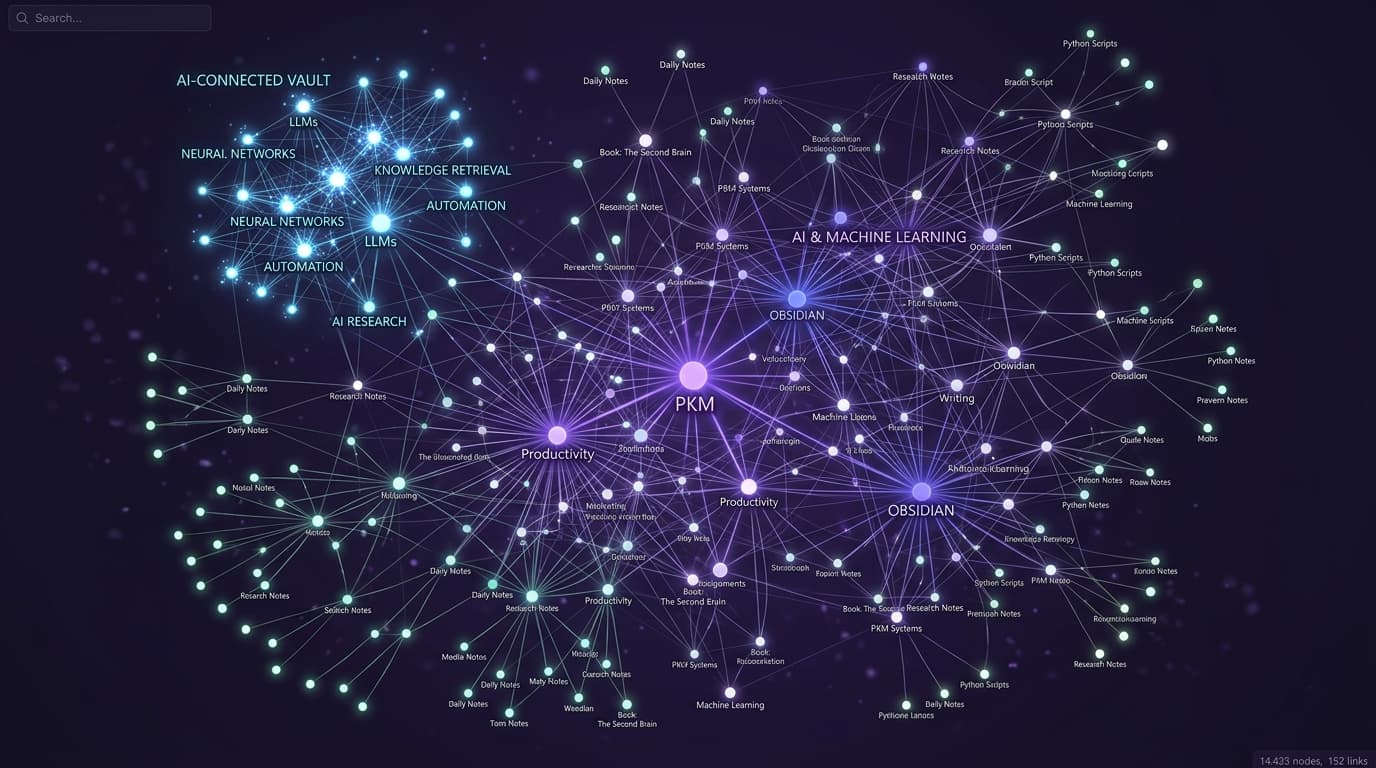
Obsidian
Obsidian is a powerful local-first knowledge base that works as your second brain. We set it up, connect it to AI agents via MCP, and structure your vault for maximum productivity.
- Vault structure for your business or niche
- MCP connector for Claude integration
- AI-powered search and note linking
- Sync across devices (iCloud / Obsidian Sync)
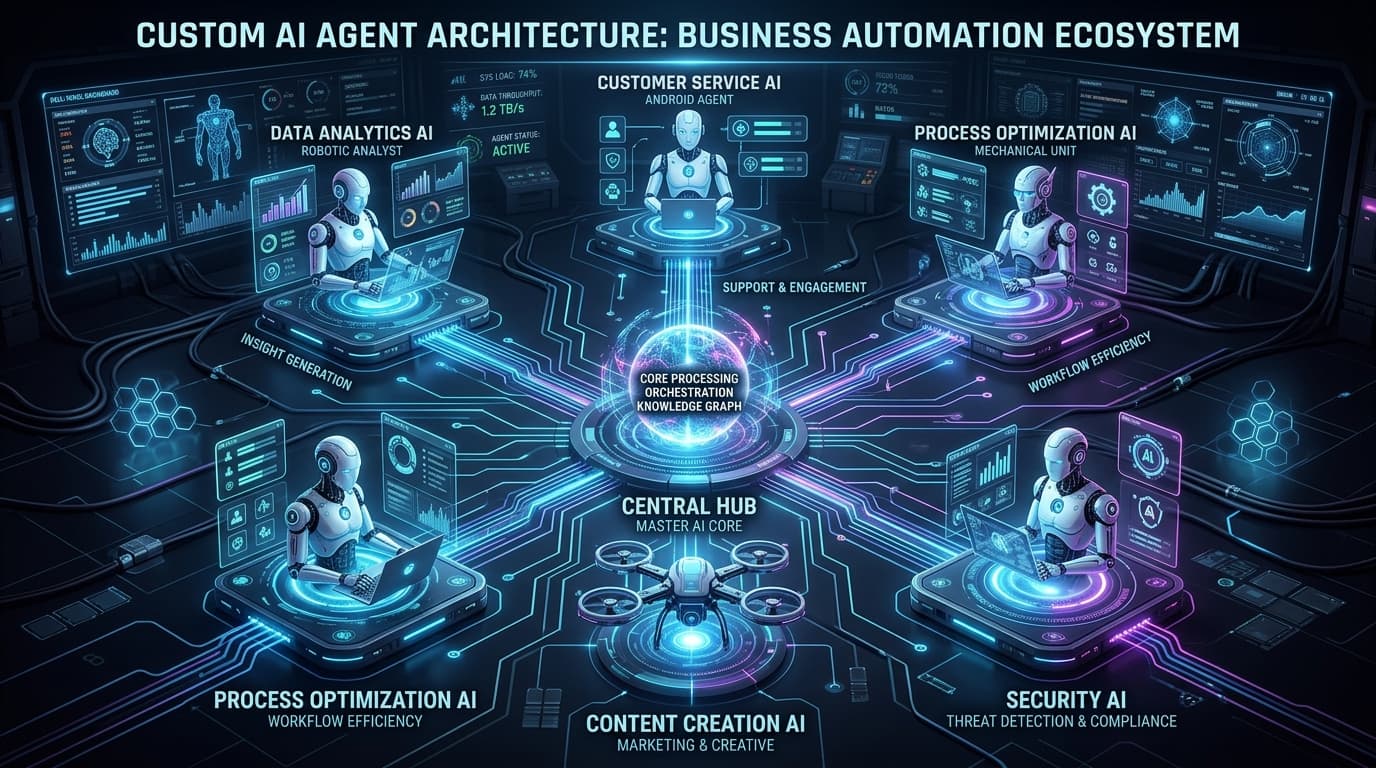
Custom AI Agents
Purpose-built AI agents tailored to your business — for Etsy sellers, real estate agents, support teams, or any niche. From lead follow-up bots to listing optimizers.
- Business-specific agent design
- Multi-LLM routing (Claude, GPT-4, Gemini)
- CRM + calendar integrations
- Human-in-the-loop approval flows
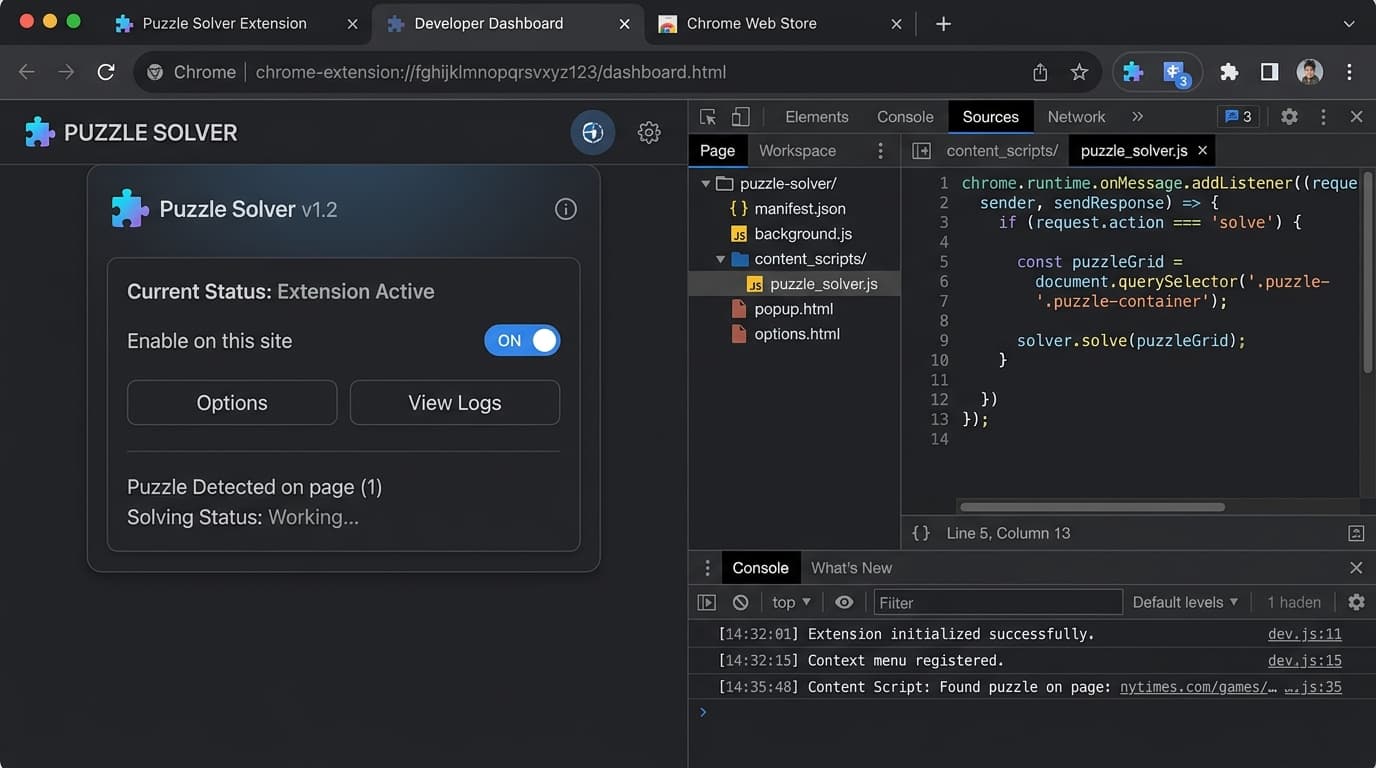
Chrome Extension Development
Personalized Chrome extensions for your niche — from Etsy listing optimizers to custom scraping tools, AI sidebars, and workflow automators that live right in your browser.
- Custom UI designed for your workflow
- AI-powered content generation
- Page scraping & data extraction
- Subscription management + billing
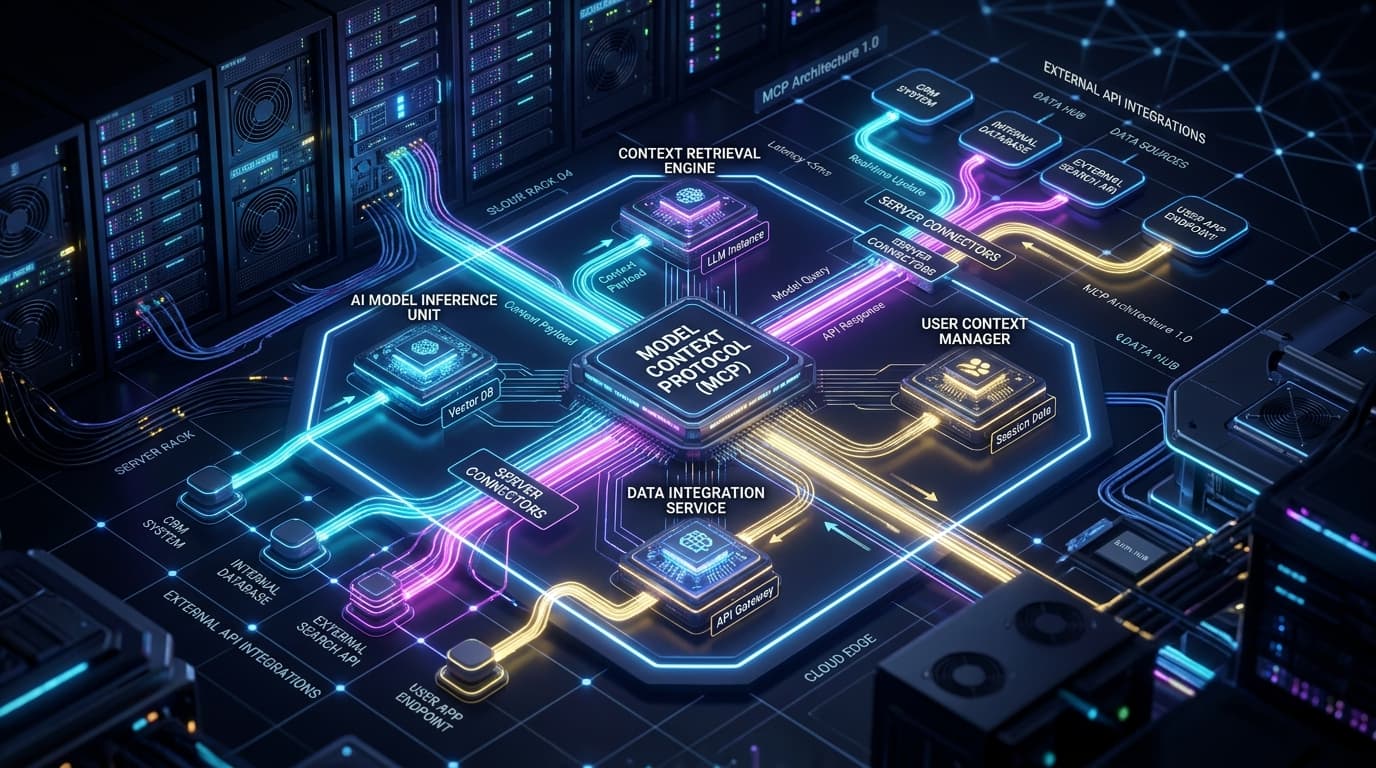
Custom MCP Modules
Model Context Protocol modules connect AI assistants to any tool or data source. We build custom MCP servers for your specific connectors — databases, APIs, internal tools.
- Custom MCP server development
- Database & API connectors
- Claude Code + Claude Desktop integration
- Private tools & internal systems
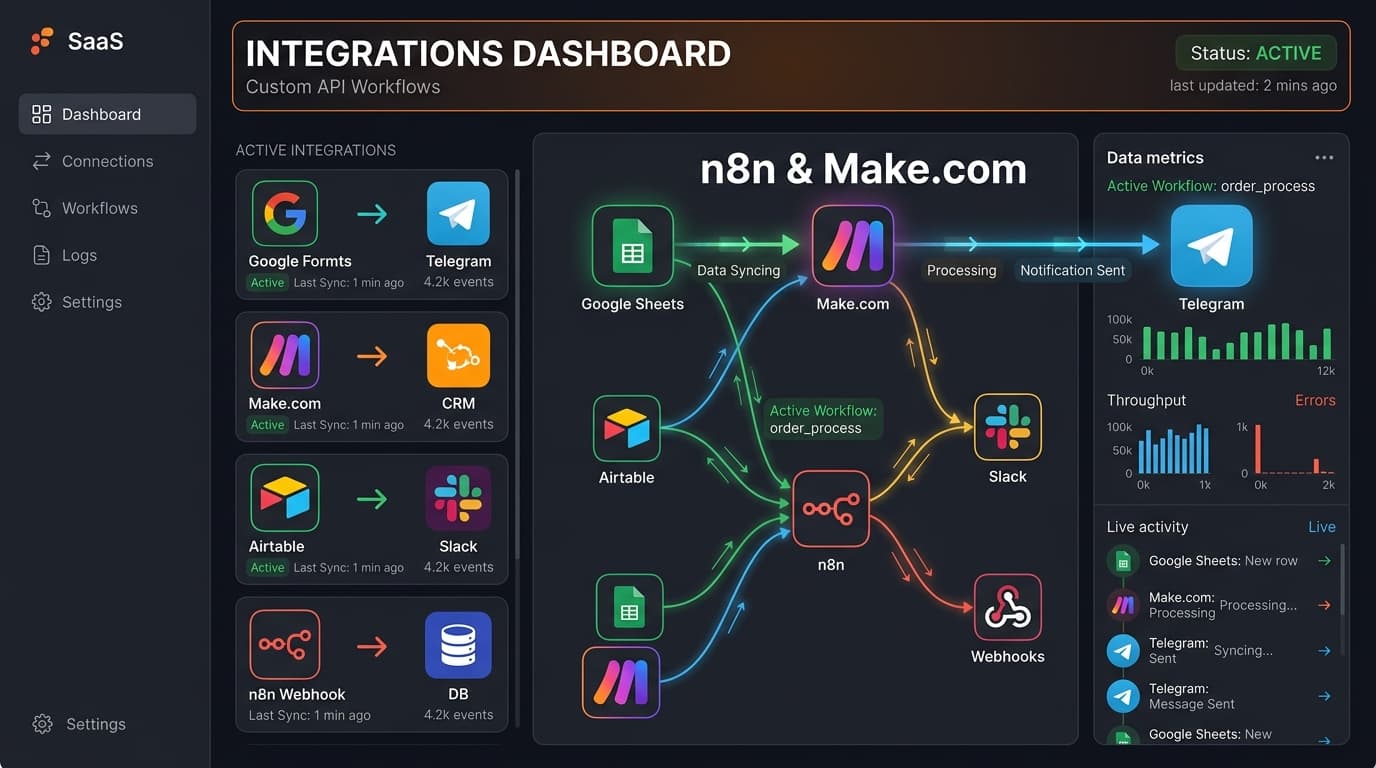
Custom Integrations & Connectors
Connect your AI stack to the tools you already use — Google Workspace, Telegram, Make.com, n8n, GoHighLevel, Airtable, Notion, and more. Low-code and full-code options.
- Google Workspace (Drive, Calendar, Sheets)
- Telegram bots & channel automations
- Make.com / n8n workflow connectors
- GoHighLevel & CRM integrations
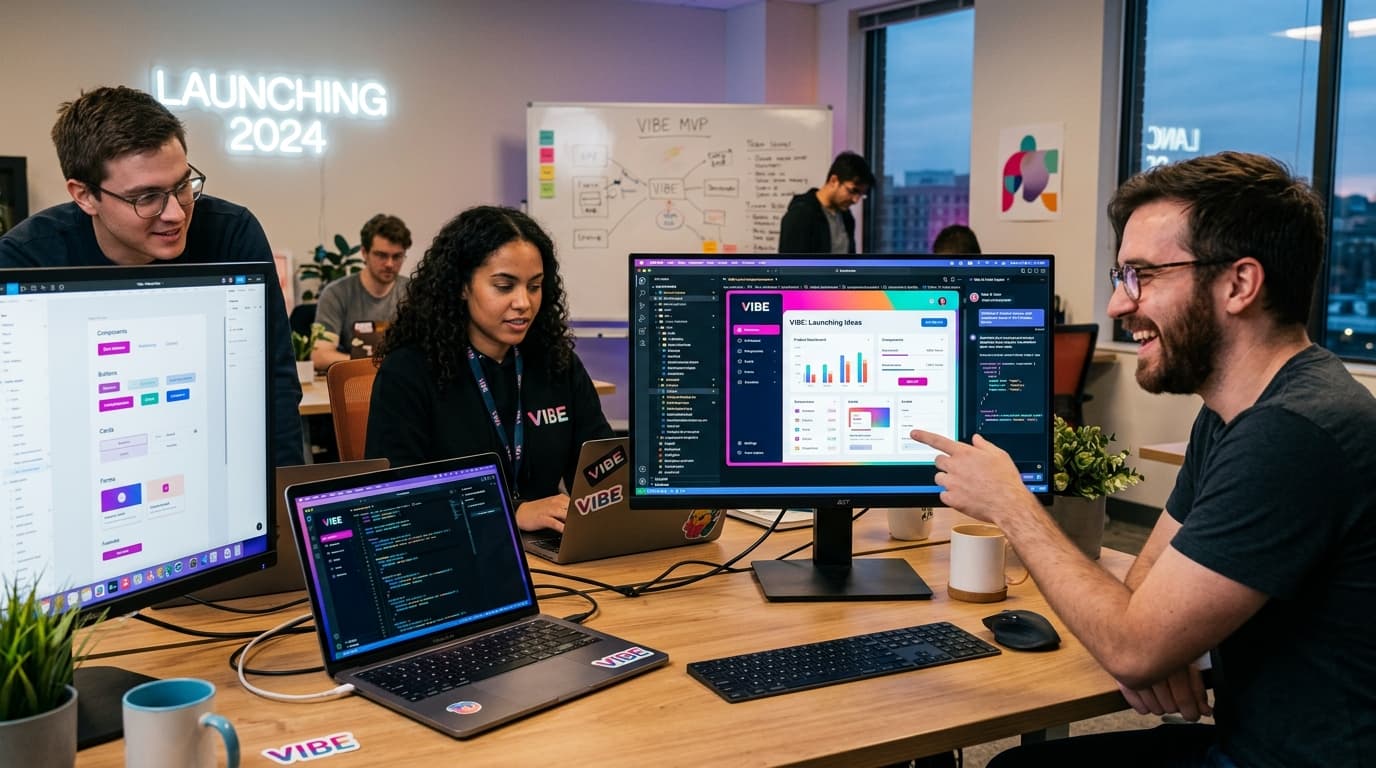
Vibe Coding — Apps & Websites
Ship web apps, landing pages, and full SaaS products fast with AI-assisted development. We build, you own the code. From idea to deployed URL in days, not months.
- Next.js & React web applications
- Landing pages & marketing sites
- SaaS MVPs with auth & payments
- AI-assisted rapid prototyping
Questions we get a lot
Most tool setups take 1–3 hours depending on complexity. Custom builds (agents, extensions, MCP modules) are scoped per project after a quick Telegram or email chat.
No. We handle the installation, configuration, and walk you through how to use it. You get a working setup and a short video walkthrough.
Yes. We support Mac, Windows, Linux desktops, and remote VPS/cloud servers (DigitalOcean, AWS, Hetzner, etc.).
We offer ongoing support. Small tweaks are usually covered in the session. Larger changes are billed at our standard hourly rate.
Let's talk
Ready to get set up?
Get in touch — we'll tell you exactly what setup makes sense for your workflow.