 MakeBox
 Product photos
Start with the real item and your own photos.
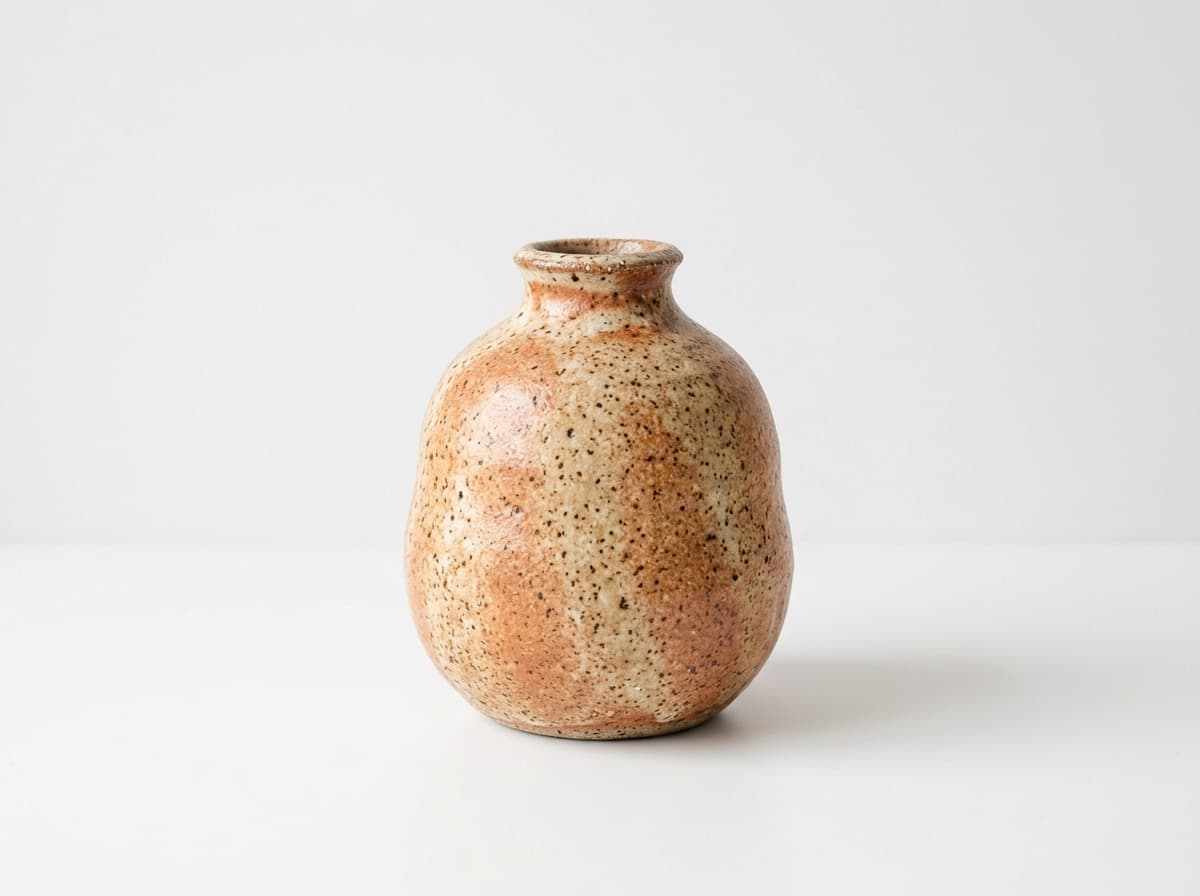 Ceramic bud vaseExample product · your facts come first
MAKEBOX AI · YOUR ETSY WORKSPACE
Photograph your products. Let AI prepare the listing. Or improve existing listings in app.makebox.ai.
5 listing updates + 3 AI photos free, once. No card required.
See how it works Illustrative workspace
Choose a task and follow what happens at each step.
Start with the real item and your own photos.
Ceramic bud vaseExample product · your facts come firstAdd the facts AI should preserve and the options buyers need.
Prepare the title, description and 13 relevant tags.
Ceramic Bud Vase for a Single Stem · Neutral Shelf Decor
DescriptionA small vase for a favourite stem. Add your exact dimensions, materials and care details before use.
Tags (13)Check the copy and settings before sending anything to Etsy.
AI prepares the work. You check the facts, product options, shipping and return settings before approving changes.
Move from research to content, photos and shop management.
 Illustrative workspace
Give your product a clear title, description and complete draft.
Title, description and 13 tagsReview SEO suggestions without losing your product facts.
Listing and shop analysisFind relevant phrases. Compare the evidence behind them.
Keyword and niche researchCreate a new scene around your own product photo.
Background and lifestyle scenesTurn your listing photos into a short product story.
Five ready-made styles and CustomKeep listings, order details and shop settings in reach.
Listing and shop managementConnect your own Etsy shop. Approve shop-changing actions. MCP listing management is included with Pro and Studio.

Monthly allowances. For eligible first monthly Pro subscriptions. Offer verified at checkout.
Try 5 listing updates, 3 AI photos and 1 listing video free, once. Choose a monthly plan when you need more.
$0 · free account
5 AI listing updates
+ 3 standard AI photos
One-time trial. Does not renew.
Try the listing workflow. No card required.
+ 1 free listing video · Beta
Once per account, shared across Free and Starter. Review, download and publish it to Etsy.
Also included: 10 keyword searches/day, 10 niche searches/day and monitoring for 2 shops. Keep using manual edits and saved work after the AI sample.
Try it free$11.99 / month
30 AI listing updates
+ 10 standard AI photos
Included every month.
For a growing shop.
+ 1 free listing video · Beta
Once per account, shared across Free and Starter. Review, download and publish it to Etsy.
$29.99 / month
100 AI listing updates
+ 50 standard AI photos
Included every month.
For regular listing updates.
+ 10 listing videos / month · Beta
Full listing management through MCP included.
$59.99 / month
300 AI listing updates
+ 150 standard AI photos
Included every month.
For a larger catalog.
+ 30 listing videos / month · Beta
Full listing management through MCP included.
Separate allowances for listings and photos. Listing updates include title, description and tags with MakeBox AI. Other AI text tools share the listing allowance. Extra fields, instructions and HD/Ultra photos use more. The Free AI sample is one-time; paid allowances renew monthly without rollover, including on yearly billing. Manual edits, saved work and previews do not use your AI allowance.
Start with FreeHistorical tutorials. Today's workflow runs in the MakeBox web app.
A few useful answers before you start.
No. MakeBox has retired its earlier Make.com workflows. The current web app connects directly to your own Etsy shop with commercial Etsy API access. You do not need to build scenarios or provide your own AI API keys.
Create a MakeBox account, connect your Etsy shop and add photos of the real product. Supply its materials, dimensions, options and shipping details. AI prepares a title, description, 13 tags and a draft you can edit. Review the facts and settings before approving an Etsy draft or publication.
Yes. Import or choose your listings, use product-relevant keyword research and prepare SEO suggestions for titles, descriptions and tags. You can work on one listing or use a bulk workflow, then review and approve the changes you want to apply.
Yes. Physical products need confirmed product, shipping and processing information. Digital products need the actual deliverable files and a clear description of what the buyer receives. AI does not replace those seller-provided facts.
No. You can use the web app in your browser. MCP lets a supported AI assistant work with your connected MakeBox workspace. Reading and limited research are available; creating, editing and publishing listings through MCP requires Pro or Studio.
No. MakeBox helps you research, prepare and review your listing content. Search rankings and sales depend on product demand, competition, pricing, photography and your shop. Research signals and AI suggestions are not a sales guarantee.