 MakeBox
 From One Photo to a Full Gallery: AI Product Photos for Etsy Listings
Turn a single product photo into a complete Etsy gallery using AI. Step-by-step workflow, Etsy rules, and tips for 2026.

You’ve got one killer product photo—but Etsy gives you ten slots. Filling them used to mean renting a studio or spending hours staging scenes. Not anymore.
💡 With AI, you can turn a single truth photo into a full gallery of lifestyle, detail, and scale shots—as long as you always include at least one unedited image and follow Etsy’s accuracy rules.
Why One Good Photo Is All You Need (If You Use AI Right)
You don’t need a professional photographer or a different room for every shot. In 2026, AI tools let you build an entire Etsy gallery from a single high-quality source image. The key is capturing that source image correctly and then using AI to generate variations that stay true to your product.
Those ten slots aren’t just filler—they’re your selling floor. Research shows listings with 5–7 distinct angles, lifestyle context, and size references convert better. And you can create all of them without touching a second studio light.
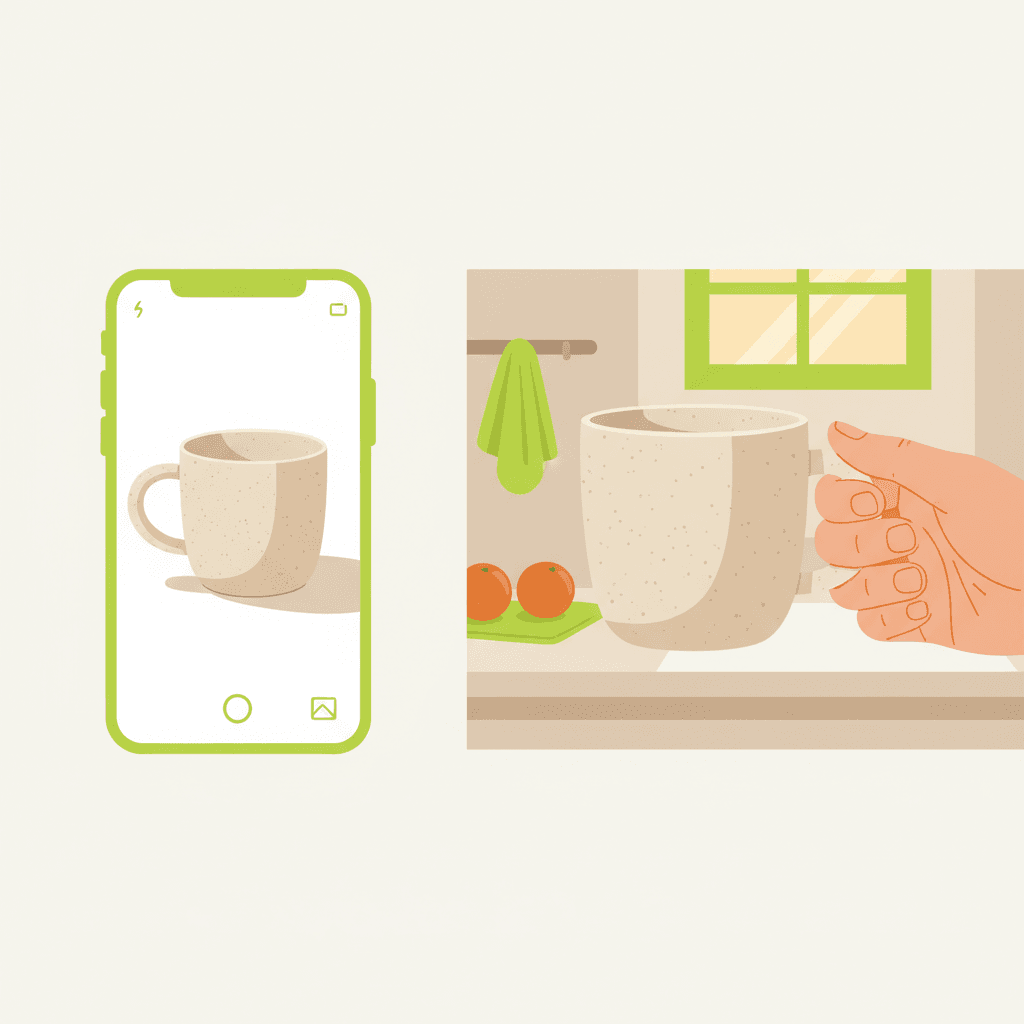
A split illustration: on the left, a single smartphone photo of a beige ceramic mug on a white background. On
Step 1: Capture the Truth Photo (The Foundation)
Your AI-generated images are only as good as the real photo you start with. Invest ten minutes to get this right.
This is your “truth photo.” Every AI variant will derive from it, so the colors, shape, and texture must be accurate.
💡 Treat your source image as the baseline truth. AI should enhance the background and setting, never the product itself.
Step 2: Clean and Standardize with AI (Your Hero Shot)
Now use AI to remove the background and drop your product onto a clean, on-brand backdrop. This becomes your hero image—the first photo buyers see.
Step 3: Generate Lifestyle Context Shots (Without Faking It)
Lifestyle shots create emotional connection. They show how the product fits into a real setting. AI can place your product into a scene—but only if you start from your truth photo, not a fully invented object.
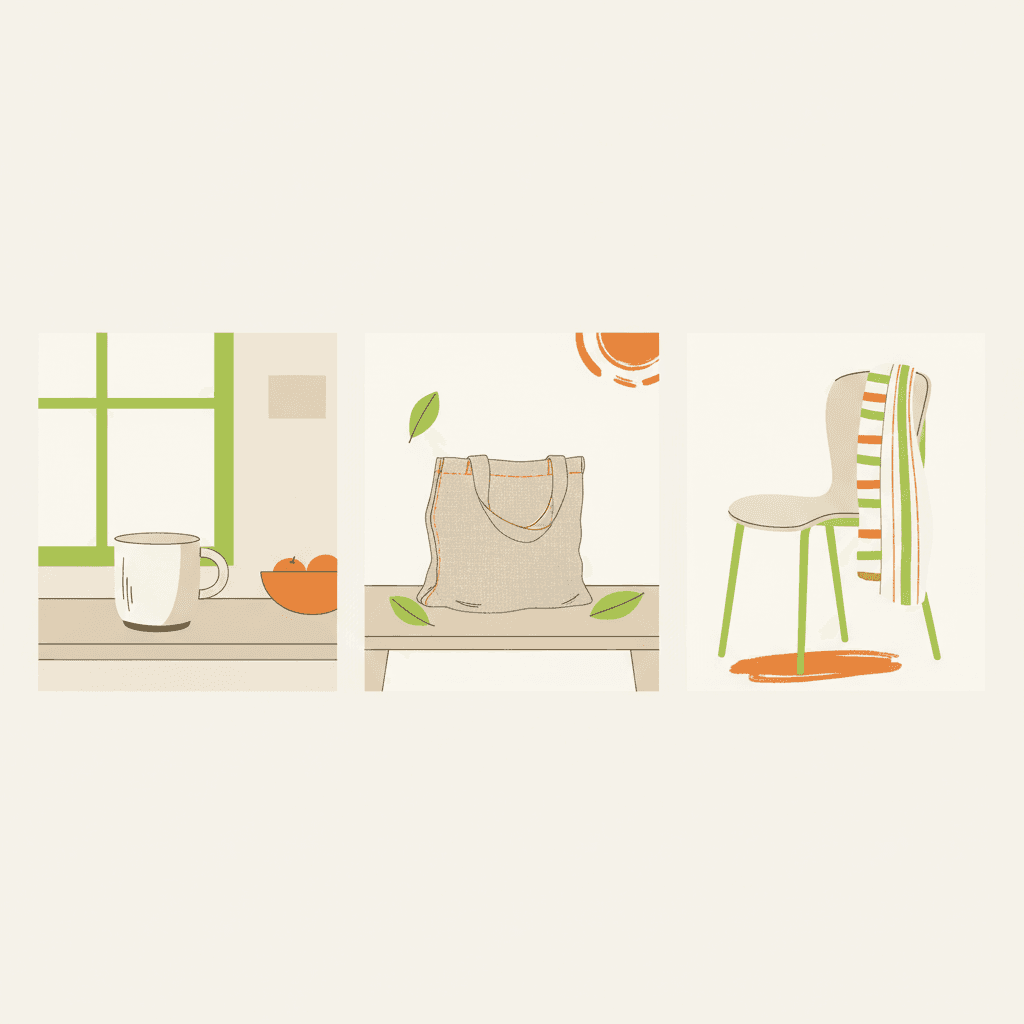
A clean editorial flat illustration showing three lifestyle scenes in a row: a ceramic mug in a kitchen, a lin
Step 4: Create Scale and Detail Shots (Reduce Returns)
Buyers need to understand size and quality before they click “buy.” AI helps you show both without extra staging.
These images directly reduce returns and complaints. If a buyer sees the exact texture and size in the listing, they’re not surprised when the package arrives.
Step 5: Assemble Your 10-Photo Gallery That Sells
Now arrange your images in Etsy like a story. Lead with the truth, then show the dream—then back it up with facts.
💡 Use all ten slots. A mixed gallery of angles, lifestyle, scale, and detail is now the baseline for competitive Etsy listings in 2026.
Common AI Photo Mistakes That Get Etsy Listings Flagged
Etsy allows AI-enhanced images, but they’re strict about accuracy. Avoid these errors:
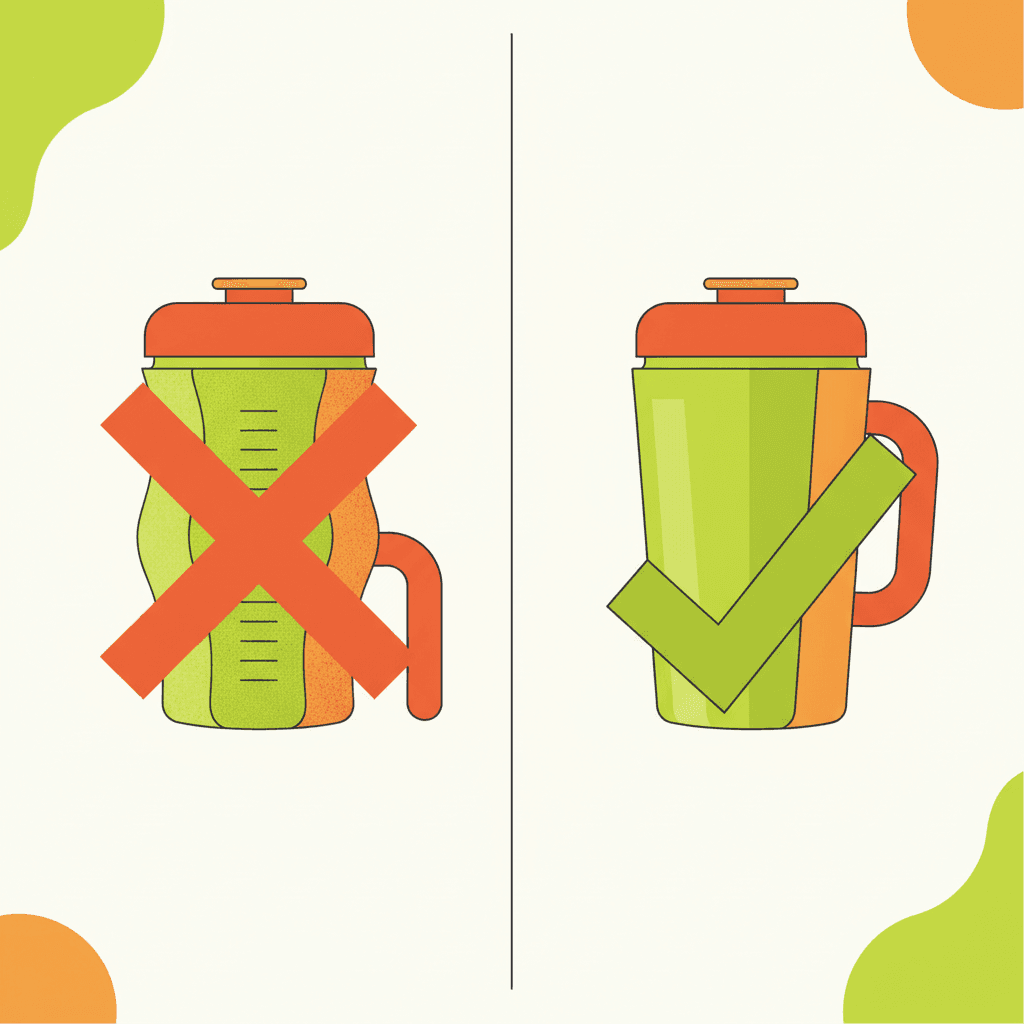
A comparison illustration: on the left, a product photo with distorted texture and an extra handle added by AI
FAQ
Does Etsy allow AI-generated product photos?
Yes, but with strict conditions. AI-enhanced photos must show the actual item you’ll ship. You must include at least one unedited, natural-light photo of the real product. Adding features or changing colors that don’t exist in the physical item violates Etsy’s accuracy rules.
What resolution should my Etsy product photos be?
Minimum 2000×2000 pixels so Etsy’s zoom feature works properly. Each image should also be under 1 MB to ensure fast mobile loading.
Can I only use AI photos and skip real photography?
No. Current Etsy guidance explicitly requires at least one photograph showing the actual physical product in natural lighting. AI images can supplement, but never replace, that baseline truth photo.
Try MakeBox AI Free
You’ve got the workflow. Now you need the tool. MakeBox AI handles background removal, lifestyle scene generation, scale reference compositing, and batch exporting—all from a single truth photo. Start with a free account and turn one photo into a full gallery in minutes.
Get started for free at app.makebox.ai
Learn more about AI automation for Etsy listings and optimizing your product photos for search.
Want to talk through your setup?
Get in touch and I'll walk through what would actually move the needle for your shop or business.