 MakeBox
 How to Research Competitors' Etsy Tags and Prices (and Use What Works)
Learn how to reverse-engineer top Etsy listings to find winning tags and pricing strategies—without copying blindly. Step-by-step guide for 2026.

You’ve spent hours perfecting your product photos, but your Etsy listings still aren’t getting the traffic they deserve. The problem isn’t your product—it’s how you’re telling Etsy’s search engine what you’re selling.
💡 Reverse-engineering your top competitors’ tags and prices is the fastest way to uncover what actually works in your niche—but you must adapt those patterns, not copy them.
Why Bother Researching Competitors’ Tags and Prices?
Your competitors have already done the hard work of testing what keywords and price points convert. By analyzing their patterns, you can skip months of trial and error. But there’s a right way and a wrong way to do it.
Most sellers use fewer than 10 tags and rely on single words like “gift” or “cat.” That’s why the top 10% of listings grab the majority of views. The sellers who win are the ones who understand that every tag is a chance to match a buyer’s search query.
Step 1: Find Your Core Search Phrase
Start with the phrase a real buyer would type into Etsy’s search bar. Not “unique handmade ceramic mug” but “funny coffee mug for dad.” This shift from generic to buyer-intent language is the foundation of modern Etsy SEO.
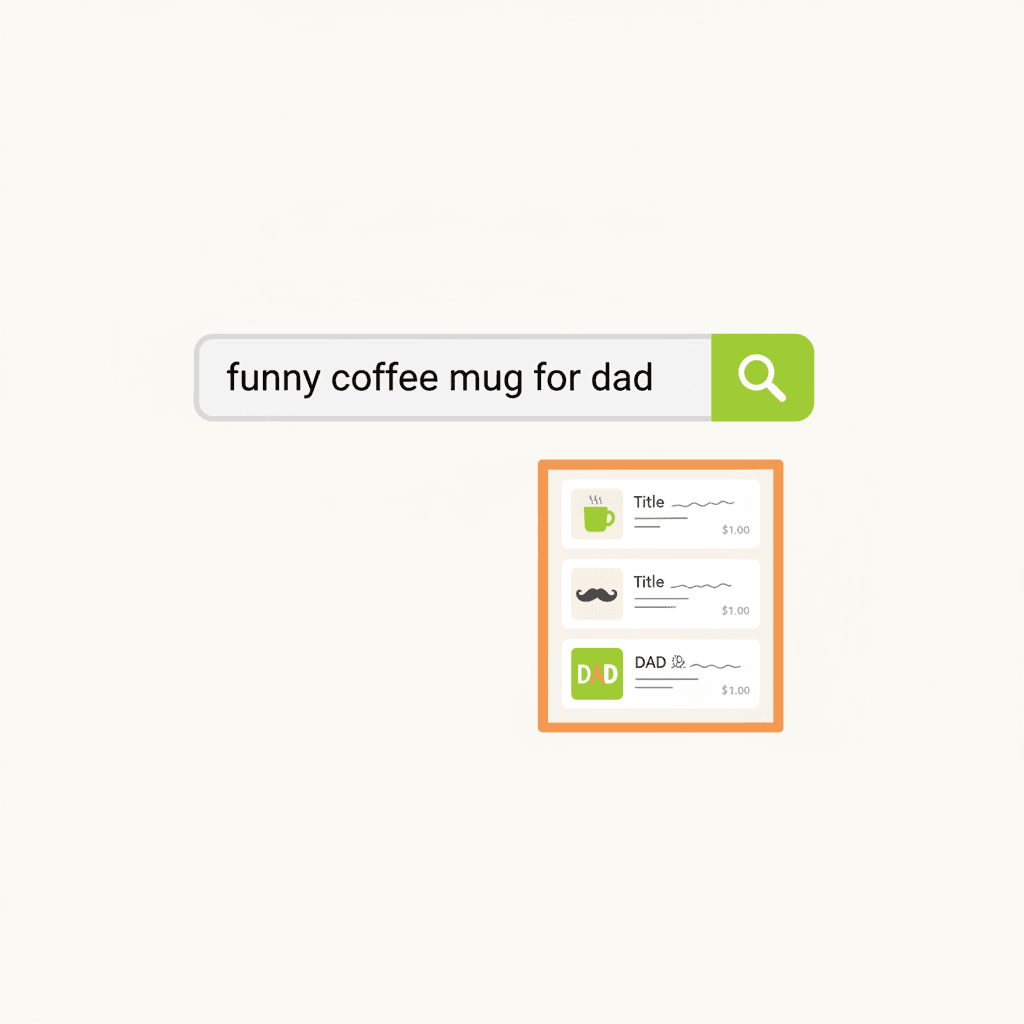
A flat illustration showing a simple search bar with the text 'funny coffee mug for dad' and a magnifying glas
Step 2: Collect 10–20 Top Competitor Listings
Search your core phrase and pull up the listings that:
Don’t worry about the exact number—10 to 15 is enough to see clear patterns.
Step 3: Extract and Classify Their Keywords
For each competitor listing, note down:
💡 The best tags cover multiple search intents: product type, occasion, recipient, style, and material. Listings that mix all five consistently outrank those that only repeat the product name.
Step 4: Spot Patterns Across Competitors
Look for phrases that appear in 3 or more listings. Common examples:
These are validated search terms. But don’t just copy them—adapt them to your product. If your mug says “World’s Best Dad,” you can use “funny dad mug” as a tag, but not “teacher appreciation gift” unless it actually fits.
This split is recommended by top Etsy SEO guides for 2026. It gives you both targeted reach and category visibility.
Step 5: Build Your Tag Set Without Copying
Now create your own 13 tags. Follow these rules:
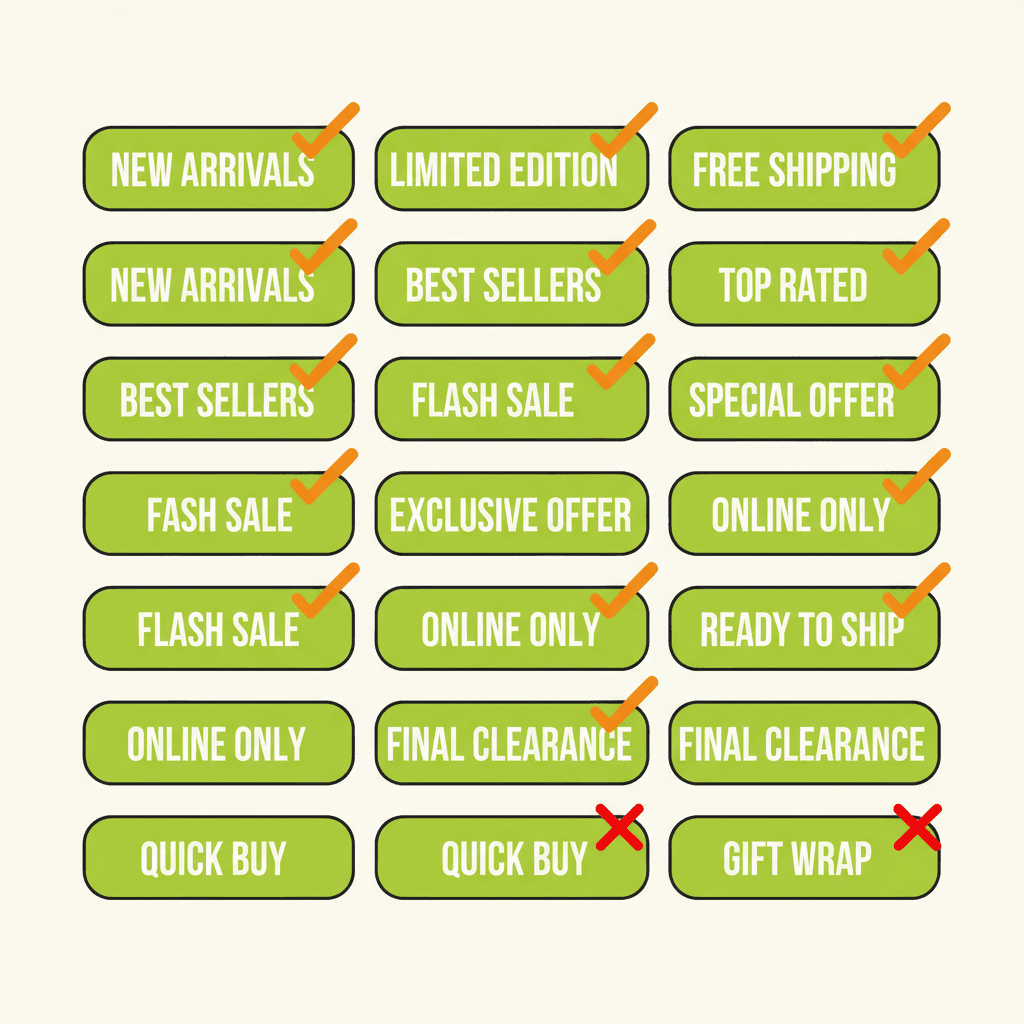
A flat illustration showing a grid of 13 tag slots, each filled with a different multi-word phrase in lime-gre
Step 6: Research Competitor Prices
Pricing isn’t just about being the cheapest. Look at the same 10–20 listings and record:
Calculate a price band (low, median, high) for your niche. Most successful sellers cluster around the median. If you want to price above it, make sure your product, branding, or service justifies it—and that your tags and titles emphasize that value.
Step 7: Monitor and Refresh
Once your listings are live, use Etsy Shop Stats to see which search terms bring traffic. Replace tags that get zero impressions every quarter. Rotate a few tags ahead of major holidays or seasons.
💡 Refreshing tags quarterly—especially before seasonal spikes—can increase your listing’s visibility by up to 30% based on shifting buyer behavior.
Common Mistakes When Copying Competitors
FAQ
How many tags should I use on Etsy?
Always use all 13 tags. Each tag is a separate chance to match a search query. Leaving slots empty is like leaving money on the table.
Can I copy my competitor’s exact tags?
No. You can use their patterns to inspire your own tags, but copying exactly can hurt your relevance and may even trigger Etsy’s duplicate content filters. Adapt the structure to your specific product.
How often should I update my Etsy tags?
At least once per quarter, or before major shopping seasons. Use Etsy Shop Stats to identify underperforming tags and replace them with fresh phrases from your competitor research.
Put This into Practice with MakeBox AI
Manually researching 20 competitor listings and building tag sets takes time. MakeBox AI automates the heavy lifting—pulling tag patterns, price bands, and search intent data from your top competitors, then generating optimized tags and titles for your listings. It’s the fastest way to implement what you just learned.
💡 Start with a free account at app.makebox.ai and see how automation can cut your listing optimization time in half.
Ready to stop guessing and start ranking? Try MakeBox AI for free at app.makebox.ai. For more on Etsy SEO tools, check out our Etsy SEO Extension and Etsy Automation pages.
Want to talk through your setup?
Get in touch and I'll walk through what would actually move the needle for your shop or business.