 MakeBox
 Why an Etsy Seller Needs a Simple CRM (And How to Set One Up)
Turn one-off buyers into repeat customers with a simple CRM. Learn how to set one up in an afternoon using a spreadsheet—no complicated tools needed.
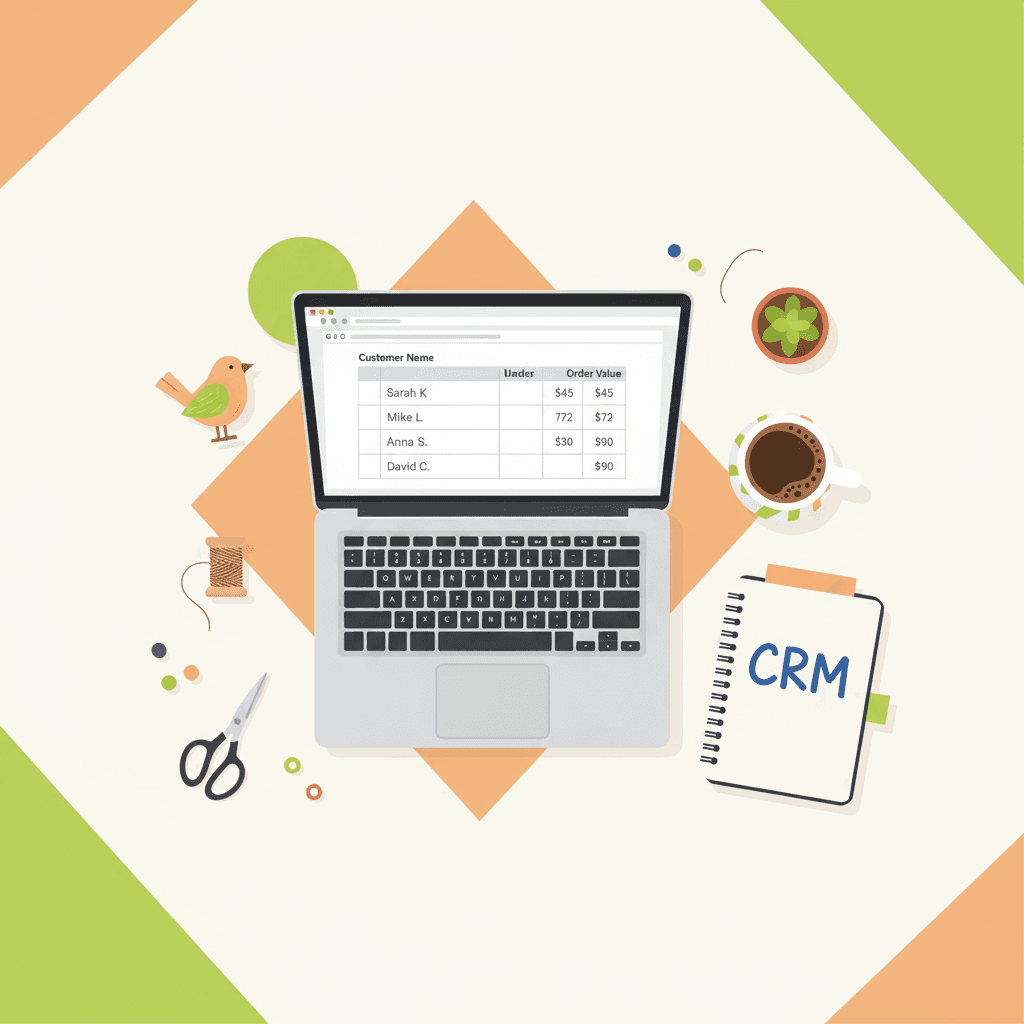
You're processing orders, replying to messages, and hoping buyers come back. But without a system, you're leaving money on the table—and Etsy's 8.1 million sellers are all competing for the same 95 million buyers.
💡 A simple CRM—even a spreadsheet—can turn one-off buyers into repeat customers, boost revenue by 21–30%, and cost nothing to start. Here's how to set one up in an afternoon.
Why You Need a CRM on Etsy (Even If You're Solo)
The competition is brutal
Etsy has roughly 8.1–8.13 million active sellers and around 89.6–95 million active buyers.[3][9][10][11] That means every buyer is fought over. Median revenue for many sellers is just $574 per month.[9] Getting more repeat purchases from existing buyers can make the difference between a hobby and a real business.
Etsy buyers are loyal—if you nurture them
About 53% of Etsy buyers have shopped on the platform for more than three years.[11] These are people who want to buy again. A CRM lets you spot them and treat them like VIPs instead of one-time transactions.
CRM directly boosts revenue and retention
Small-business CRM implementations see typical revenue increases of 21–30%, and 91% of businesses report lower customer acquisition costs.[2] Broader studies show sales increases up to 29–41%, productivity improvements up to 34%, and customer retention gains up to 50%.[6][7]
You're home-based and scaling fast
Around 97% of Etsy sellers run their shops from home, and seller numbers have grown about 800% since 2013.[12] As order volume climbs, a simple CRM prevents missed messages, forgotten custom requests, and delayed follow-ups that damage reviews and repeat purchase rates.[11][13]
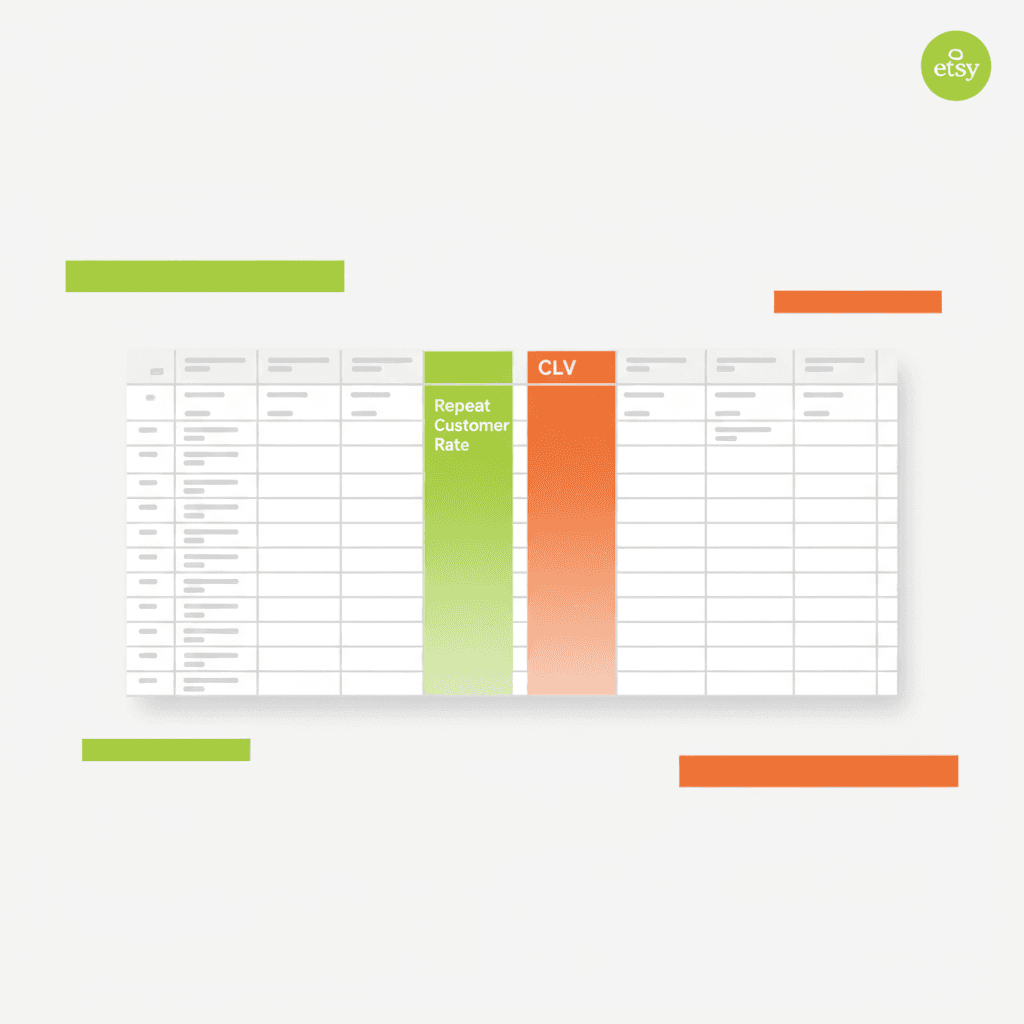
A clean modern editorial flat illustration of a spreadsheet with rows of customer data, highlighted columns fo
What a Simple CRM Looks Like for an Etsy Shop
You don't need a heavyweight enterprise system. For most solo sellers, a structured spreadsheet in Excel or Google Sheets is enough. You can even buy pre-built Etsy-specific templates on Etsy itself.[1][5]
Core entities to track:
Step-by-Step: Setting Up Your CRM in One Afternoon
1. Choose your tool
Stick with Google Sheets or Excel. Etsy-oriented CRM templates are widely available and low-cost.[1][5] Full integration services exist but are overkill until you're doing serious volume.[8]
2. Define essential fields (keep it lean)
Customers tab:
Orders tab:
Touches/Messages tab:
3. Import your data
Go to Etsy Shop Manager → Stats → “Orders by customer” view. Start by backfilling the last 3–6 months of orders.[13] Many Etsy spreadsheet templates automate this with pre-built columns and formulas.[1][5]
4. Build the key metrics right into the spreadsheet
Repeat customer rate = (Customers with 2+ orders / Total customers) × 100[13]
Customer lifetime value (CLV) = (Average Order Value) × (Number of Repeat Purchases) × (Average Customer Lifespan)[13]
Response time and open issues – track “First response time” and “Issue status” to prevent messages slipping through.[11][13]
5. Design simple CRM workflows
New customer welcome: Tag them “New – first order” and send a thank-you with shipping expectations and value-add tips.[13]
30-day follow-up: Filter customers whose latest purchase was ~30 days ago. Send a personalized message with useful tips, not just a sales pitch.[13]
VIP track: Customers with 3+ orders get tiered discounts (10% for first repeat, up to 25% for high-frequency).
Win-back sequence: Identify customers who haven't ordered in 6–12 months. Send a gentle reminder with new collections or seasonal items.[13]
Review follow-up: Track which orders got reviews. Send a friendly “how is it going?” message for non-review orders after delivery.
6. Set a weekly review cadence
Once per week, update the CRM with new orders, categorize repeat customers, and schedule follow-ups.[13]

A clean modern editorial flat illustration of a calendar with a weekly recurring event labeled 'CRM Review' an
Current Best Practices for Etsy-Scale CRM
Common Mistakes Etsy Sellers Make with CRM
FAQ
What if I’m not good with spreadsheets?
You don’t need to be a spreadsheet wizard. Pre-built Etsy CRM templates on Etsy itself come with formulas already set up for repeat rate and CLV. Just paste your order data in.[1][5]
Can I connect Etsy directly to a CRM?
Yes, there are services that pull Etsy orders into external CRMs via automation.[4][8] But for most sellers, a manual spreadsheet is sufficient until you’re doing 50+ orders a month. Start simple.
How do I track customers without violating Etsy’s policies?
Keep all communication within Etsy messaging. Use packaging inserts to encourage repeat visits. Track only what Etsy provides (order history, messages) in your CRM. Never spam buyers or collect emails without consent.[13]
Build Your CRM This Week
A simple CRM doesn’t have to be expensive or complicated. With a spreadsheet and a few hours, you can start turning one-time buyers into loyal repeat customers—and giving yourself a real edge on Etsy.
Want to go further? MakeBox AI helps you automate follow-ups, track customer segments, and manage your Etsy shop more efficiently. Try MakeBox AI free and see how simple tools can grow your business. For more tips, check out our guides on Etsy automation and Etsy SEO tools.
Want to talk through your setup?
Get in touch and I'll walk through what would actually move the needle for your shop or business.