MakeBox AI
← Back to Blog
EtsyJuly 1, 20267 min read

How to Take Etsy Product Photos That Get the Click — No Studio Needed

Etsy product photographysmartphone photographyEtsy listing photosno studioEtsy tipsproduct photography 2026Etsy SEODIY photography

Get click-worthy Etsy photos using just your phone, a window, and smart framing. No studio required — follow this practical 2026 guide.
makebox.ai / blog / etsy-product-photos-no-studio
How to Take Etsy Product Photos That Get the Click — No Studio Needed

You don’t need a lightbox or a DSLR to make buyers stop scrolling. With the right technique, your phone and a window can produce studio-quality Etsy photos that drive clicks and sales.

💡 The hero image is your #1 conversion tool. Use a clean, bright, thumb-optimized shot on a neutral background, and save lifestyle and detail shots for later slots.

What Etsy actually requires (and what matters most)

Etsy’s official specs are straightforward, but missing them can hurt your search ranking. Here’s what 2026 guides agree on:

  • Minimum resolution: 2000 px on the shortest side. Etsy recommends 2000×2000 px minimum, but for best results go 2000×2500 px (4:5 aspect ratio). [7][2]
  • First photo: must be at least 635 px wide and should be horizontal or square — not vertical. [7]
  • File size: under 1 MB per image for fast mobile loading, even though Etsy allows up to 50 MB. [1][10]
  • Up to 20 images: use them all to answer every buyer question. [8]
  • 2000 pxMinimum resolution
    4:5Best aspect ratio
    20Max images per listing

    Why your phone is already good enough

    Modern smartphones capture 12 MP or more — plenty for Etsy’s 2000 px requirement. [1] The camera isn’t the bottleneck; your setup is.

    The “window studio” setup
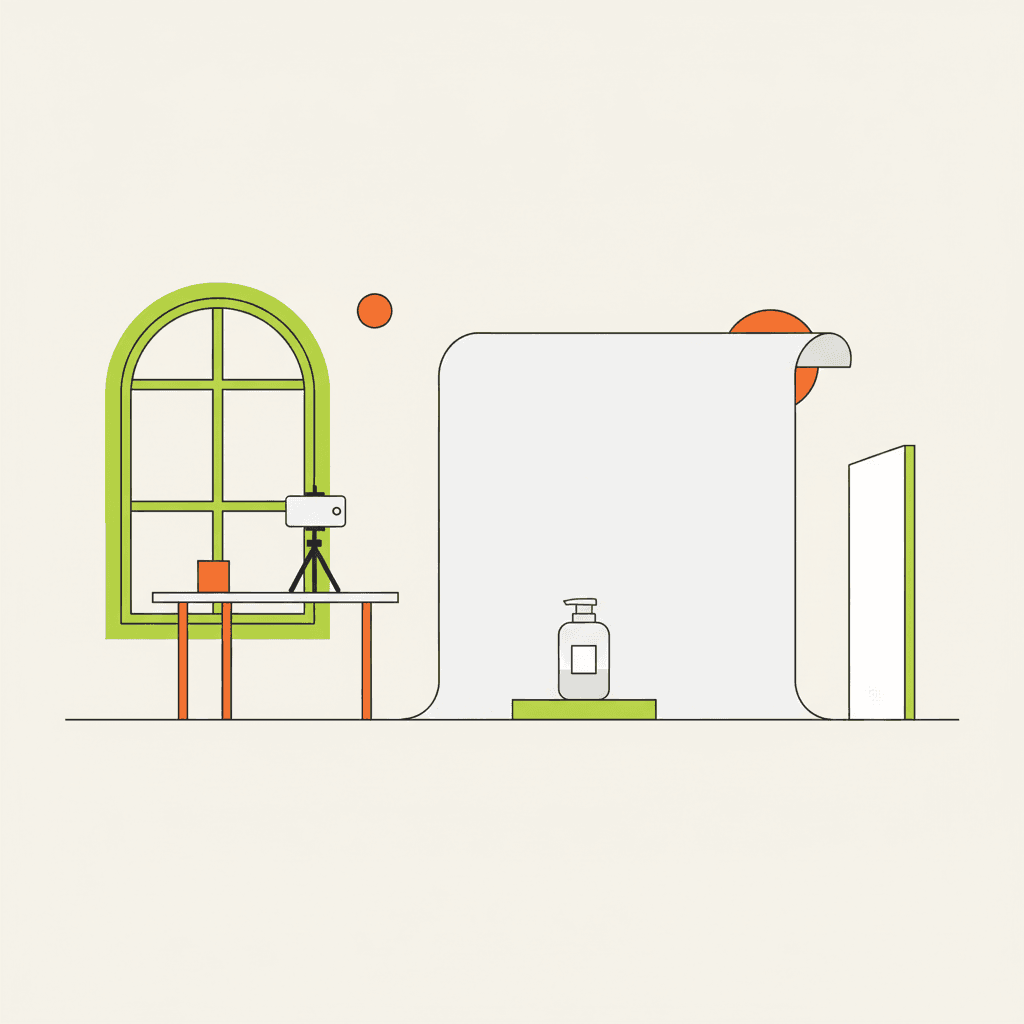
  • 1.Pick a room with a large window — north-facing is ideal for soft, consistent light. [1][10]
  • 2.Turn off all indoor lights to avoid mixed color temperatures. [10]
  • 3.Place a table near the window. Tape white poster board to create a seamless curved background. [10]
  • 4.Put a white foam board opposite the window to bounce light and fill shadows. [1]
  • A flat illustration showing a side view of the window studio: a table with a phone on tripod, a curved white b

    A flat illustration showing a side view of the window studio: a table with a phone on tripod, a curved white b

    Dial in your phone settings

  • Lock focus by tapping and holding on the product.
  • Use the 2× (telephoto) lens to avoid barrel distortion. [1]
  • Enable the grid overlay to apply the rule of thirds.
  • Mount your phone on a mini tripod or stack of books. Use the self-timer to avoid shake. [10][11]
  • Never use phone flash — it creates harsh, flat light. [1]
  • Shoot for the thumbnail, not just full screen

    Your hero image appears as a tiny thumbnail in search results. If it’s not readable there, you lose the click.

  • Frame the product so it fills 60–80% of the frame. [2][5]
  • Leave negative space around the edges to account for Etsy’s auto-crop on different devices. [7]
  • After shooting, view the image at 25% zoom in your browser to simulate thumbnail size. [2]
  • 💡 A clean, centred hero on a white background consistently outperforms cluttered lifestyle shots in search — save those for images 2–5.

    What to shoot: the essential photo sequence

    Use your 20 slots wisely. Here’s a proven sequence from top sellers: [1][5][14]

  • Hero – product centred on a clean background.
  • Scale reference – show it next to a hand, coin, or ruler.
  • Detail/texture – close-up of material quality.
  • Alternate angles – back, side, inside, or opened.
  • Lifestyle – product in use or in context.
  • Variations – show colour or size options.
  • Packaging – if it comes gift-ready.
  • Infographic – size chart or key features.
  • Shoot 5–10 frames per product to pick the best. [10]

    Editing and export: batch for consistency
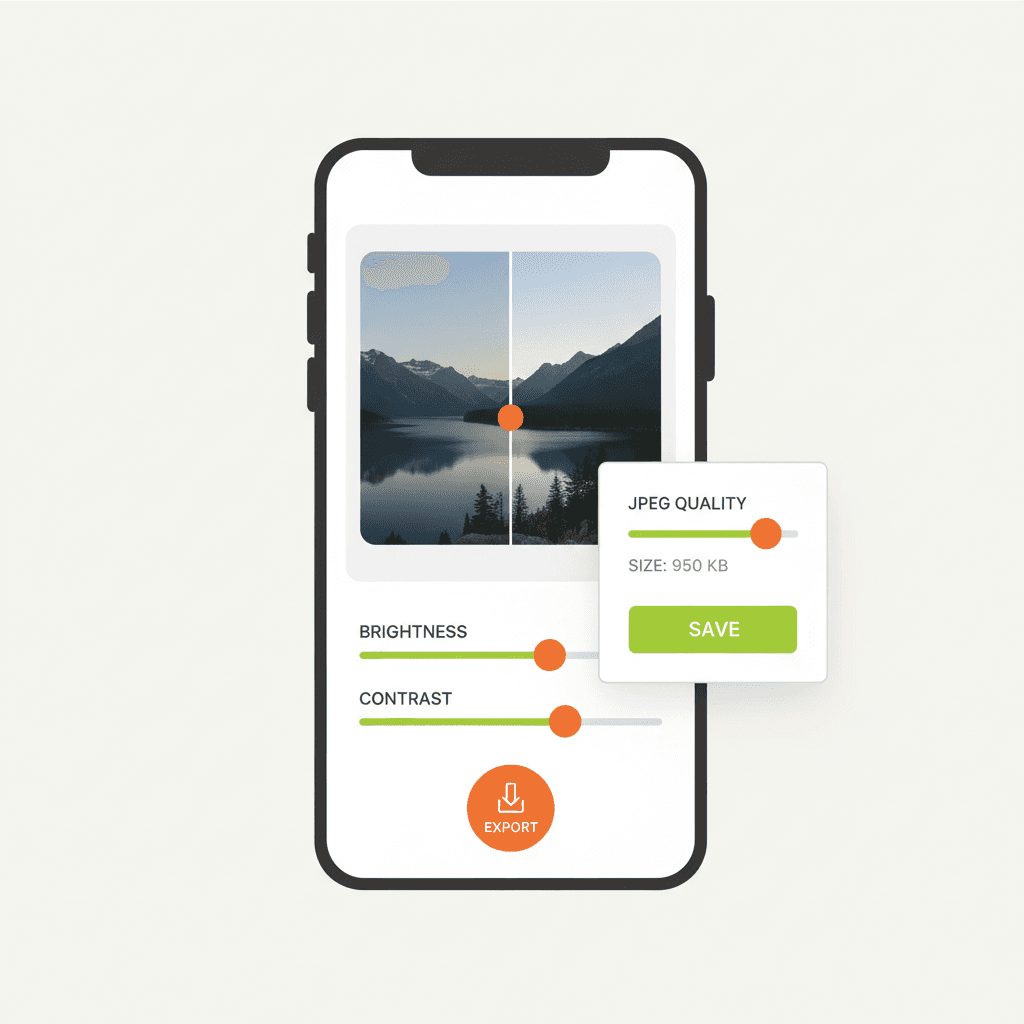
  • Crop every image to the same size — 2000×2500 px (4:5) is ideal. [2][10]
  • Apply consistent brightness, contrast, and white balance across all shots. [10]
  • Export as JPEG at 80–90% quality to keep files under 1 MB. [1][10]
  • Use sRGB colour space for accurate colours on all devices. [8]
  • A flat illustration showing a phone screen with a photo-editing app, before/after sliders for brightness and c

    A flat illustration showing a phone screen with a photo-editing app, before/after sliders for brightness and c

    Common mistakes that kill clicks

  • Low resolution: Blurry or pixelated images break trust — always hit 2000 px. [7]
  • Vertical main photo: Etsy crops it awkwardly in search. Use horizontal or square. [7]
  • Mixed lighting: Warm ceiling bulbs + window light = ugly orange-blue casts. Turn all indoor lights off. [10]
  • Cluttered backgrounds: Buyers can’t tell what’s for sale. Keep the hero clean. [5][8]
  • No scale reference: Buyers guess and often return. Add a hand or ruler in at least one shot. [1][5]
  • Too few photos: Two images can’t answer all questions. Use as many of the 20 slots as possible. [8][14]
  • Ignoring mobile: Most Etsy shoppers browse on phones. Preview your listing on mobile before publishing. [13]
  • Inconsistent style: If every listing uses a different background or exposure, your shop looks amateur. Batch-edit for a cohesive look. [10][13]
  • FAQ

    Can I use AI to remove backgrounds from my Etsy photos?

    Yes. Tools like CleanPic allow batch background removal, then you apply a consistent template. This works well if you shoot on a simple backdrop and want a perfectly clean white background in seconds. [1] You can also use MakeBox AI’s Etsy tools to streamline your listing creation.

    What if I don’t have a north-facing window?

    Shoot on overcast days — cloud cover creates soft, even light. Or buy a cheap LED panel set to 5500K (daylight) for ~$25–50. Position it at 45° above and to one side of the product. [1]

    How many photos do I really need for each product?

    At least 7 to cover the essential angles: hero, scale, detail, alternate view, lifestyle, variation, and packaging. Using all 20 slots can increase buyer confidence and reduce questions. [8][14]
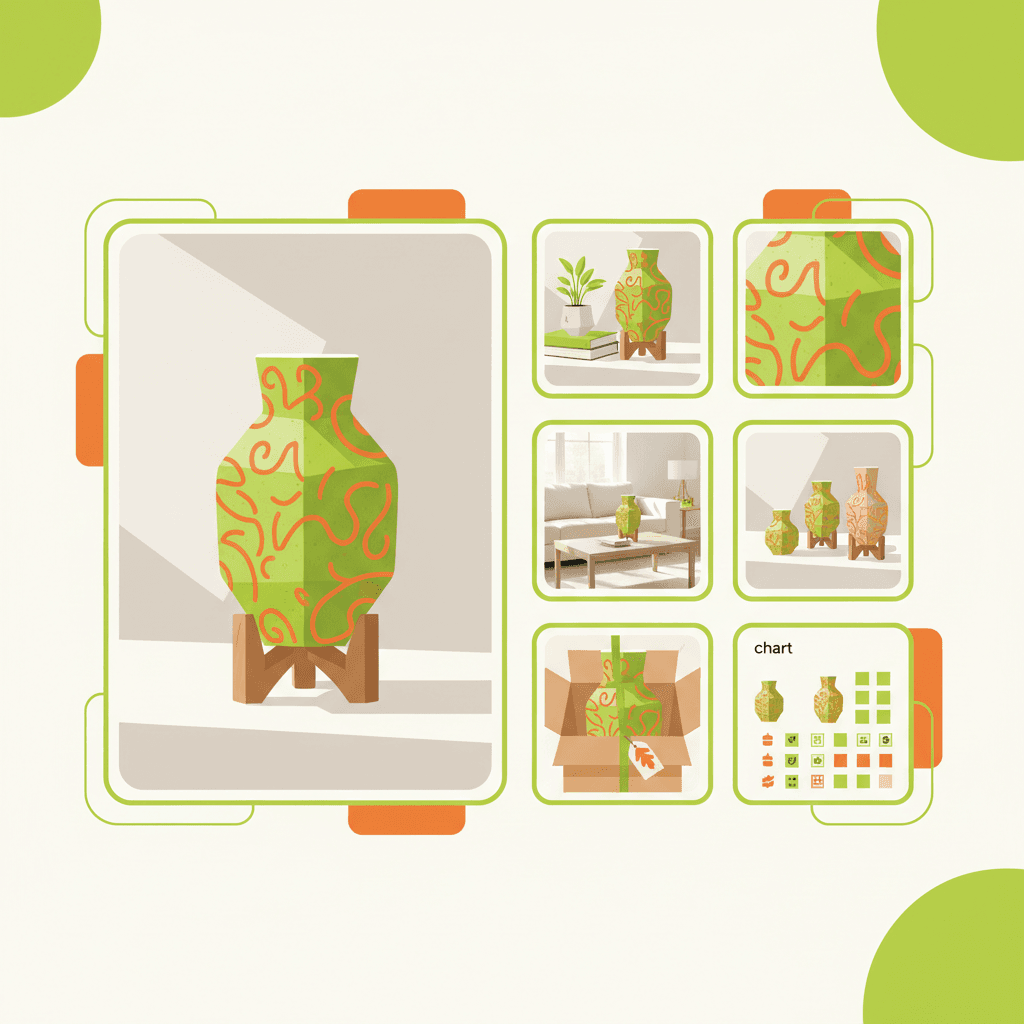
    A flat illustration showing a grid of Etsy listing photos — hero (large), then smaller thumbnails for scale, d

    A flat illustration showing a grid of Etsy listing photos — hero (large), then smaller thumbnails for scale, d

    Your next step: make it easy with MakeBox AI

    You’ve got the knowledge — now save time. MakeBox AI helps Etsy sellers automate listings, optimise SEO, and even generate product photo variations from your phone shots. Start with a free account and see how fast you can launch click-worthy listings.

    Try MakeBox AI free →

    For more tips on optimising your entire Etsy shop, check out our Etsy SEO guide.

    Want to talk through your setup?

    Get in touch and I'll walk through what would actually move the needle for your shop or business.