How I Use Claude Code to Build Faster Than I Ever Did Manually
Claude Code isn't a chatbot — it's a terminal-based AI builder that pairs with you on real multi-file work. Here's my actual workflow, real examples of what it's built for me, and when it beats Cursor or Copilot.
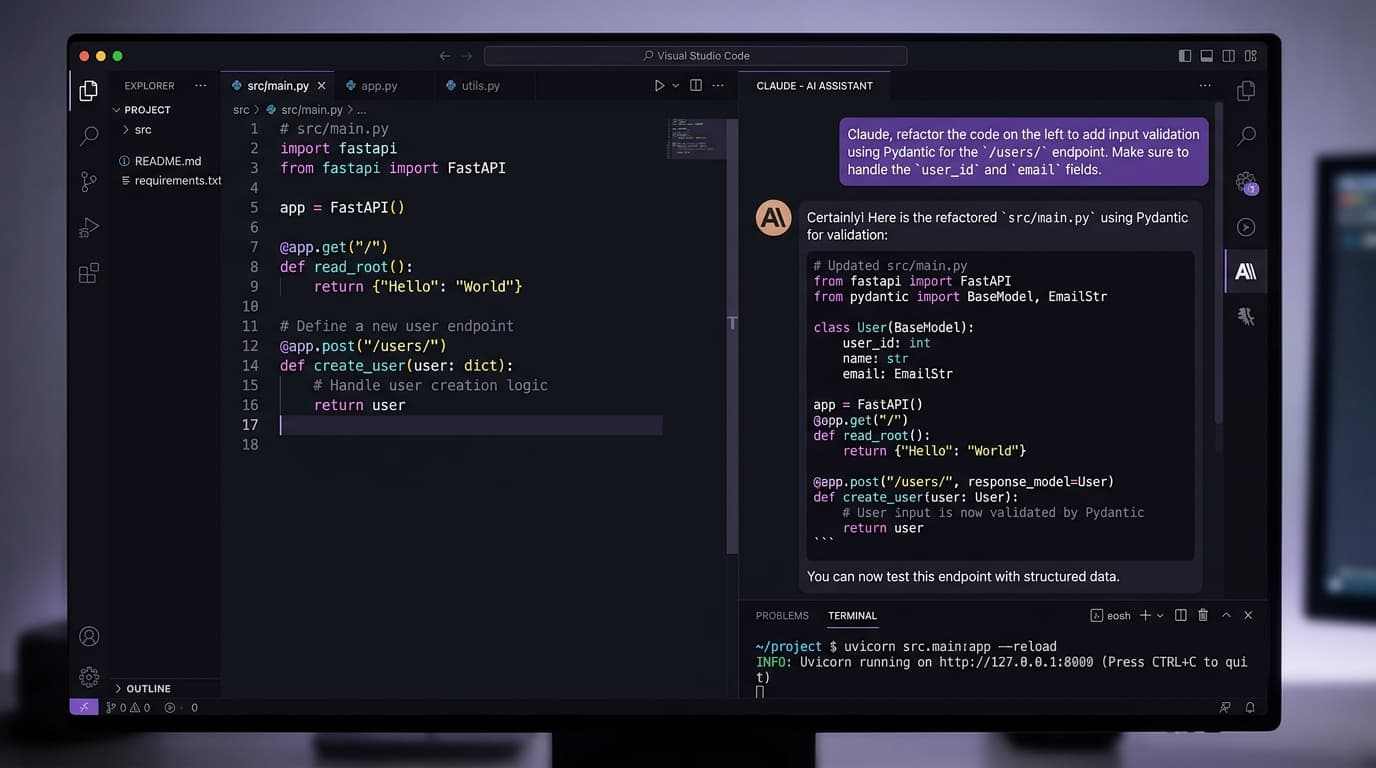
A lot of people think Claude Code is "the Claude app but for coders." It isn't. Claude Code is a CLI — you run it in your terminal, point it at a project folder, and it has free rein to read files, run commands, edit code, and call its own tools. It's closer to hiring a very fast junior engineer than using autocomplete.
I've been using it daily for about six months. Every serious build I've shipped in that window has been paired with Claude Code. Here's how I actually use it.
What Claude Code is (and isn't)
Claude Code runs in your terminal. You type a prompt, it plans, it acts. It can:
What it isn't: a chat window where you paste code snippets. That's regular Claude. Claude Code lives inside your project and behaves like a teammate.
My setup
Every project has a CLAUDE.md at the root. This is the single most important file in my workflow. It tells Claude the stack, the conventions, the things to never do. Mine usually has:
Without CLAUDE.md, Claude Code works. With CLAUDE.md, it works ten times better because it stops making the same correctable mistakes.
Three real examples from my last week
Example 1 — MCP server for my CRM. I wanted a Model Context Protocol server that exposes my GoHighLevel CRM and a local markdown vault to Claude. Told Claude Code: "Build an MCP server with these tools, Python, here's the GHL API shape." Twenty minutes later it was running on my VPS. I wrote almost no code — I reviewed its diffs.
Example 2 — Rewriting an animation system. Our landing page had a brittle stagger animation that broke on slow devices. I asked Claude Code to read the whole components folder, identify every place using the old pattern, and migrate to framer-motion variants. It found 14 usage sites, refactored all of them, ran the build, and fixed the type errors it caused. Twelve-file diff, reviewed in one commit.
Example 3 — Database schema refactor. Supabase table had grown organically. I told Claude Code the new shape I wanted and asked it to write the migration, update every query site, and regenerate the types. It ran the migration in a branch project, confirmed nothing broke, then merged. I was making coffee.
None of this is "autocomplete on steroids." It's a different tool.
The agentic loop
The real unlock is that Claude Code runs in a loop: plan → act → verify → adjust. If a build fails, it reads the error, patches the code, runs the build again. If a test fails, it investigates the actual failure instead of just retrying.
This is why I trust it with multi-file work. It doesn't just throw code at the wall — it actually checks its work.
Sub-agents
When a task is big, Claude Code can spawn sub-agents to work in parallel. I use this for:
In a recent refactor it spawned three explorers in parallel and finished the mapping phase in a minute instead of five. This is where you feel the difference from single-threaded assistants.
When Claude Code beats Cursor and Copilot
Cursor and Copilot are great inside a single file. I still use Cursor for quick edits. But for anything that touches three or more files, Claude Code wins because it plans first, acts second, and actually runs your build to verify.
My rule of thumb:
The break-even point is "does this task need to read more than one file to get right?" If yes, Claude Code.
Time savings — the real numbers
I timed this for two months. On the work I used to do manually versus paired with Claude Code:
The bigger win isn't speed — it's that I ship things I would have skipped. The MCP server above? I would have procrastinated on it for three months. Claude Code got it done in one afternoon.
What I'd tell someone just starting
Don't start with a huge task. Start with something stupid small: "add error handling to this function." Watch what it does. Get a feel for how it plans.
Then write a CLAUDE.md for your project. Not a long one — fifty lines, maybe. Stack, conventions, commands, pitfalls. Iterate it over the first week.
Then trust it with a slightly bigger task. Then bigger. Within a month, you'll be letting it do multi-file refactors while you go make coffee.
The leverage here is real. It's the first AI tool in my stack that genuinely changed how much I can ship in a week.
Want to talk through your setup?
Book a free call and I'll walk through what would actually move the needle for your shop or business.