
Best Etsy SEO Tools in 2026: Where MakeBox AI Fits in Your Stack
Stop juggling too many tools. In 2026, Etsy SEO success comes from three distinct layers. Learn which tools belong in each—and why MakeBox AI is the execution layer you need.
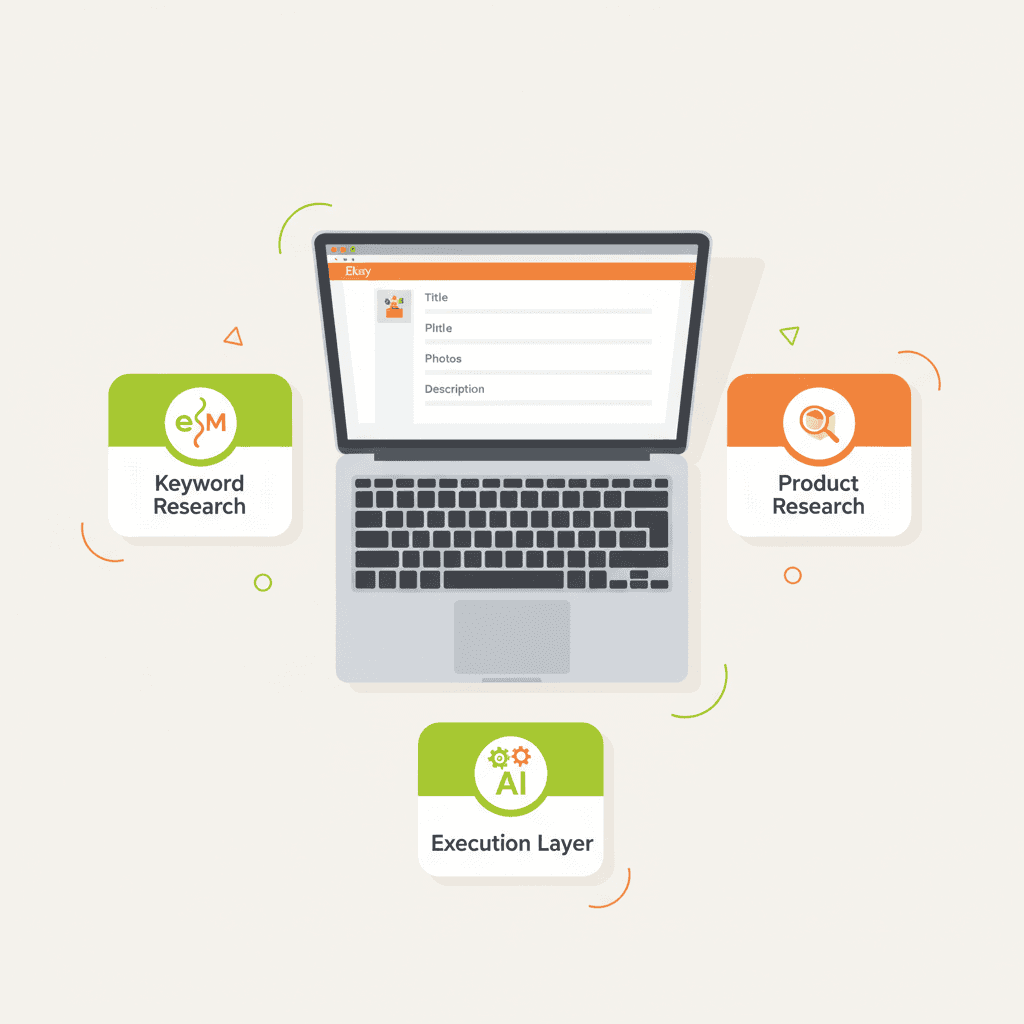
You’ve got eRank open, Marmalead running, EverBee showing you top listings—and you’re still not seeing sales. The problem isn’t a lack of SEO data; it’s that you’re spending all your time researching and almost none executing.
💡 The best Etsy SEO setup in 2026 uses three distinct layers: one keyword research tool, one product research tool, and one execution layer that rapidly turns insights into live, optimized listings. MakeBox AI belongs in that third layer—the part that shortens your testing loop.
The 2026 Etsy SEO Stack: Three Layers, One Goal
Every 2026 guide I’ve read agrees on this structure. Here’s how it breaks down:
Layer 1: Keyword Research
Find phrases buyers actually use and measure competition.
Rule of thumb: Use only one core keyword tool. Juggling multiple overlapping tools wastes time and money.[1][6][9]
Layer 2: Product & Competitor Research
Understand what’s selling, at what price, and how top sellers structure their listings.
Tip: Study at least 10–20 winning listings in your niche before creating your own.[11]
Layer 3: Execution & Publishing
This is where most sellers drop the ball. You need a tool that takes your research and turns it into live listings quickly.
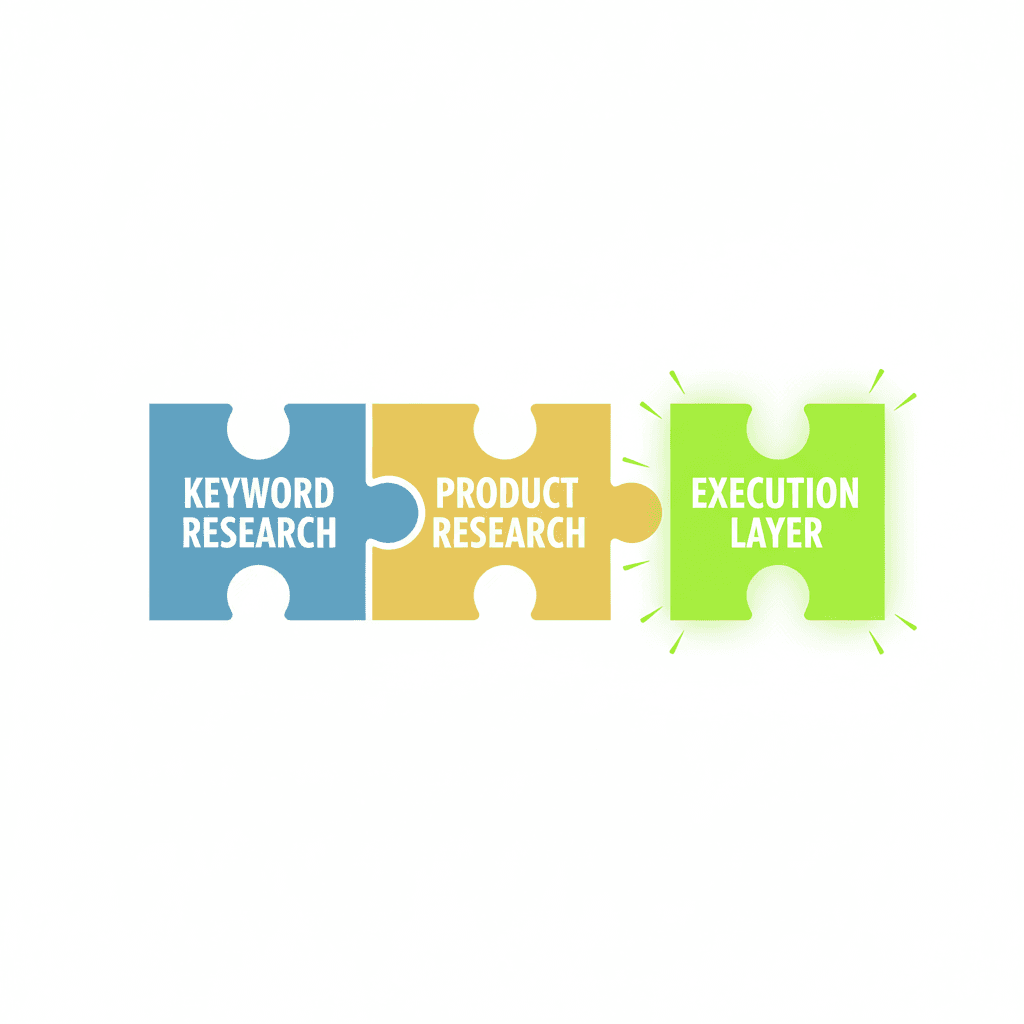
A flat illustration of three puzzle pieces labelled "Keyword Research", "Product Research", and "Execution Lay
The One Tool You Actually Need for Execution
Research tells you *what* to target. Execution determines *how fast* you can test it. In 2026, the advantage goes to sellers who shorten the loop between insight and live listing.[1]
Every second you spend manually rewriting titles, descriptions, and tag sets is a second not spent iterating. That’s where MakeBox AI fits: feed it your target keywords, and it generates multiple title variants that front‑load the main phrase in the first 40 characters—exactly what 2026 SEO strategy videos recommend.[11][13]
Same for tags: Etsy gives you 13 slots, and you should fill all of them. MakeBox AI can produce diverse tag sets covering synonyms, long‑tails, and use‑cases, without repeating phrases.[4][11][13]
💡 The best Etsy SEO tool is the one that shortens your testing loop. Research without fast execution is just an expensive hobby.][1
How the Best Sellers Build Their SEO Stack in 2026
Here’s a concrete step‑by‑step workflow I’ve seen across multiple guides:[1][4][11][12][13]
Common Mistakes Sellers Make with SEO Tools
I’ve seen these mistakes pop up repeatedly in 2026 guides. Avoid them:[1][4][9][11][12][13]
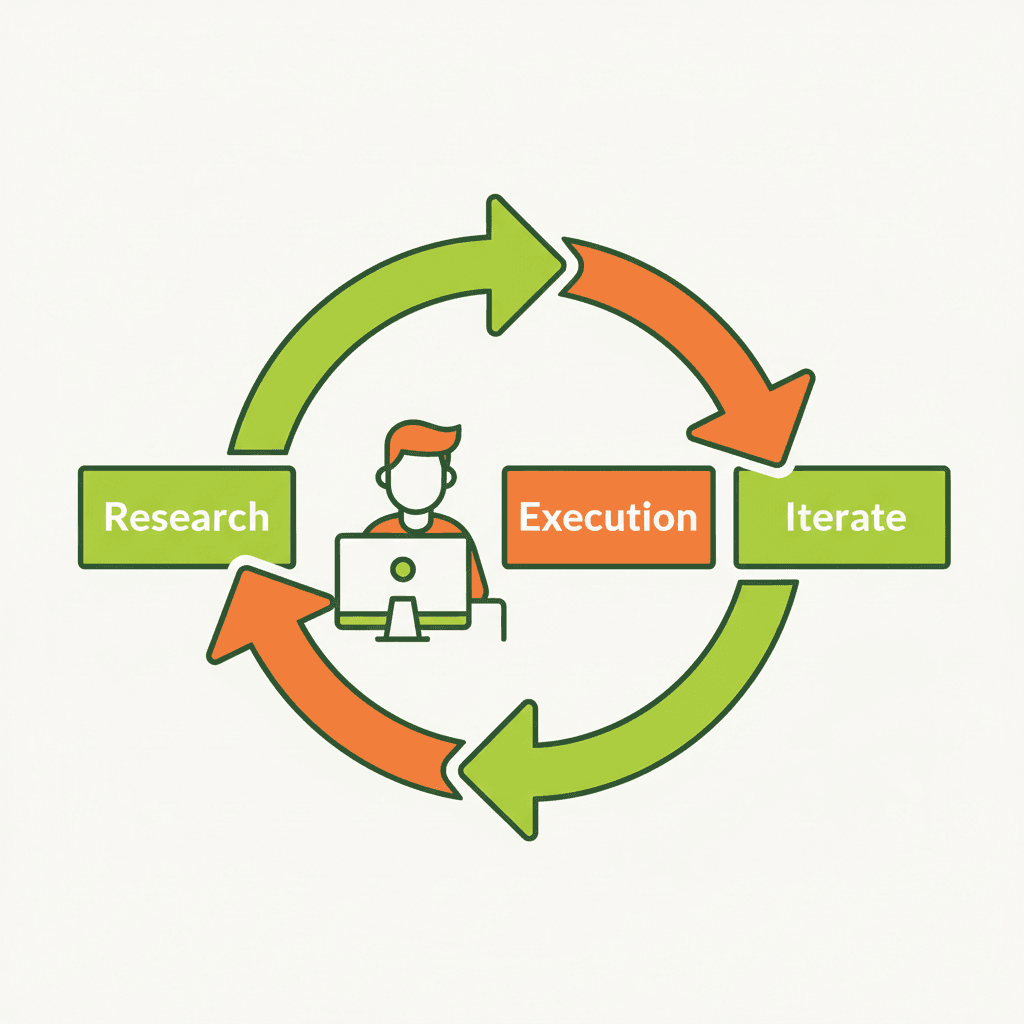
A flat infographic-style illustration showing a person at a computer with arrows from "Research" to "Execution
Why MakeBox AI Completes the Loop
You already know the keywords. You’ve analyzed the competition. Now you need to turn that into listings—fast. MakeBox AI handles the execution layer by:
This is exactly the role MyDesigns plays in many 2026 stacks, but with AI that adapts to your specific research inputs.[1]
💡 Execution layer tools like MakeBox AI let you test 5–10 SEO hypotheses in the time it takes to manually write one listing. That’s the leverage in 2026.
FAQ
Is MakeBox AI a keyword research tool?
No. MakeBox AI is an execution layer tool. It uses the keywords you provide (from eRank, Marmalead, or your own research) to generate optimized titles, descriptions, tags, and images. Think of it as the accelerator after you’ve done your research.
How does MakeBox AI compare to MyDesigns?
Both serve the same execution layer. MakeBox AI focuses on AI‑generated content and image creation, while MyDesigns emphasizes bulk publishing and print‑on‑demand integration. Choose the one that fits your workflow.
Can I use MakeBox AI with eRank or EverBee?
Absolutely. Export your keyword ideas from eRank or your competitor insights from EverBee, then feed them into MakeBox AI to generate multiple listing variants. It’s a perfect pairing.
Try MakeBox AI Free and Speed Up Your Etsy SEO Testing
Stop researching endlessly and start publishing listings that actually get seen. MakeBox AI is the execution layer that completes your 2026 Etsy SEO stack. Try it free at app.makebox.ai.
For more on Etsy automation, check out our guide to Etsy SEO tools and listing automation.
Want to talk through your setup?
Get in touch and I'll walk through what would actually move the needle for your shop or business.