How to Make Product Videos from Code with AI — Free, on Your Laptop
We render our brand reels from a plain HTML file with an AI agent — no After Effects, no cloud fees, no per-video bill. Here's the exact setup, plus the 24-second showreel we made with it.
Every Etsy and Poshmark seller knows the same two things: a listing with a video converts better — and making those videos is a grind. After Effects has a learning curve, CapCut is all manual, and most AI video tools bill you per render. We took a different route: we describe a video in a plain HTML file, and an AI agent renders it to MP4 — right on the laptop, for free.
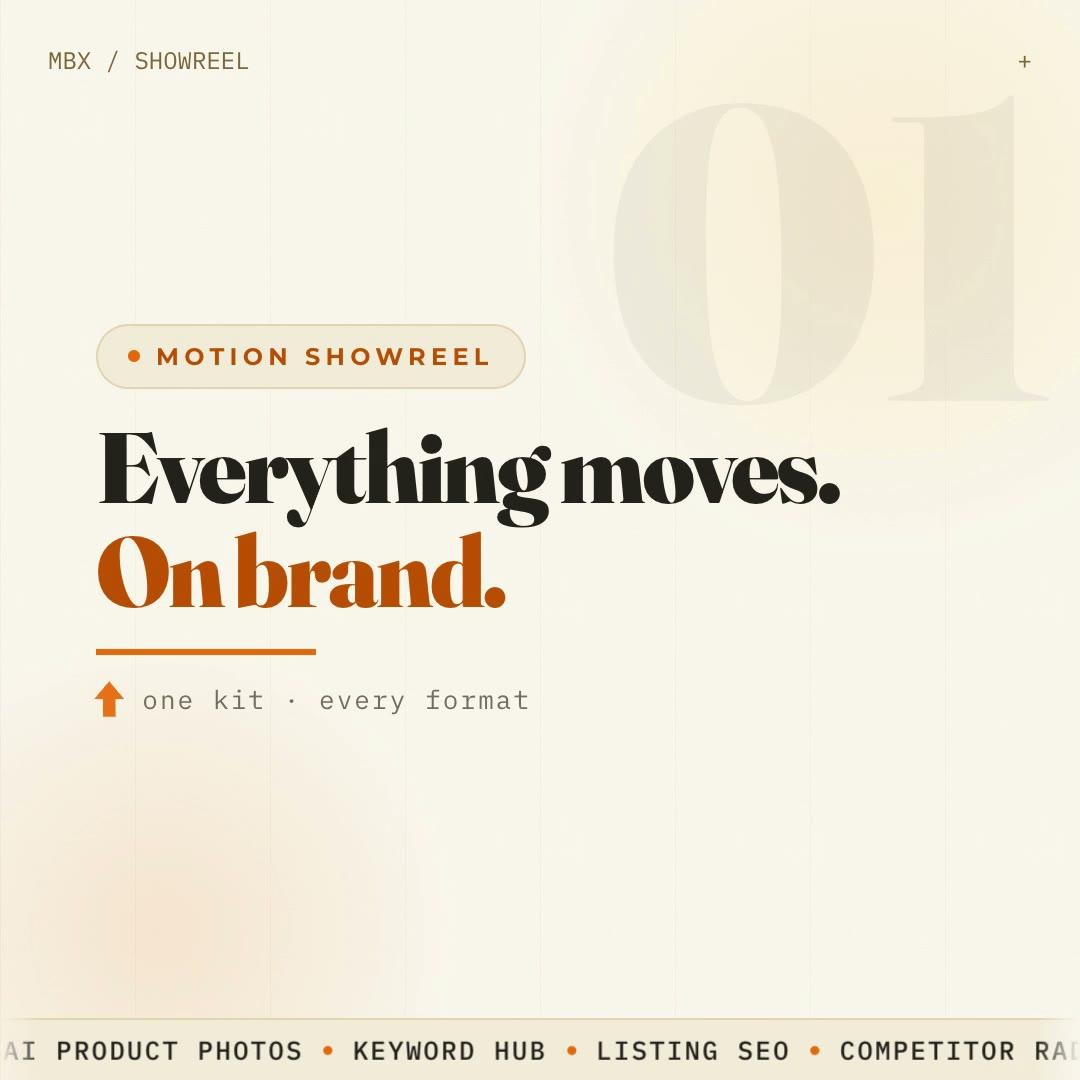
Here's the 24-second showreel we build once and re-skin for every announcement. Every frame of it was rendered from code:
Our motion showreel — count-up charts, a 3D cube, a camera fly-through of real product photos, and a logo wall. All from HTML.
💡 The key shift: your video stops being a project file and becomes code. Build one good layout once, and every next video is just swapping the words and re-rendering — 30 seconds, not 30 minutes.
Describe the video, don't drag clips
Instead of nudging clips around a timeline, you write the scenes — the text, the shapes, the motion — in an HTML file, and a tool called HyperFrames renders it into a clean MP4. It sounds nerdy, but the logic is the whole point.
Because it's code, it can be templated. And two things make it genuinely different from the usual AI-video tools:
What sellers actually make with it
How you'd actually try it
You need Node and a terminal. Scaffold a project:
npx hyperframes init my-videoOpen index.html, describe your scenes, then render it to a file:
npx hyperframes render . -o out.mp4Don't want to touch code? Set it up for your AI agent in one line — this installs everything it needs:
npx skills add heygen-com/hyperframes --all…then just ask Claude Code or Codex in plain words:
Add captions to my video with HyperFrames.
Turn my slides into a video presentation with HyperFrames.💡 The showreel above was made exactly this way — one HTML file, an AI agent, and a free local render. Our brand kit (colors, fonts, logo, the running ticker along the bottom) lives in the template, so every new video comes out on-brand automatically.
The bottom line
If you keep making the same kind of video — listing reels, captioned clips, presentations — this turns a manual grind into a repeatable pipeline that costs nothing to run. It's overkill for a one-off birthday clip; it shines when you need volume and consistency.
That's the same philosophy behind MakeBox: set the system up once, then let AI run it. Try MakeBox free at [app.makebox.ai](https://app.makebox.ai) and put your listings on the same footing.
Want automation like this for your business?
Get in touch and we'll show you exactly what's possible for your setup.