 MakeBox
 How to Safely Automate Your Poshmark Closet in 2026 — Sharing, Following, and Price Drops Without Getting Your Account Flagged
Learn how to automate Poshmark sharing, following, and offers in 2026 without getting flagged. Safe volume limits, speed settings, and a rollout plan.
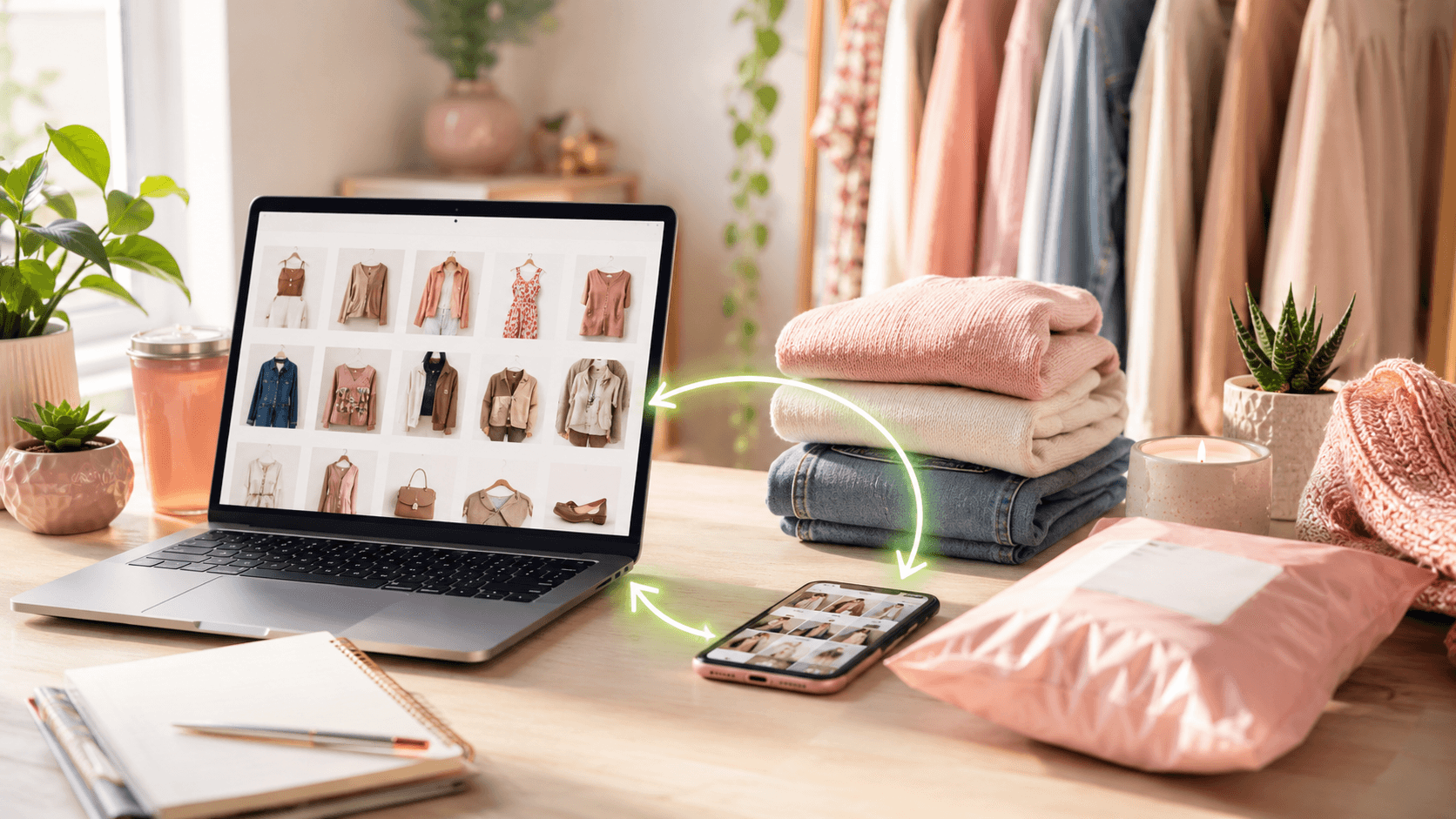
You know the drill: manually sharing your entire Poshmark closet every few hours, following back likers, sending offers — it's a second job. But the moment you look for a bot, every forum warns you'll get banned. Here's the truth: in 2026, you can automate safely if you keep your behavior human-like and stay below Poshmark's real thresholds.
💡 Poshmark still bans bots on paper, but enforcement targets speed and volume, not the tool itself. The real risk is share jail, not permanent bans.
Why Automation Still Works in 2026
Poshmark's Terms of Service prohibit third-party automation. But ask any seller who's been doing this for years: the platform doesn't hunt for tools — it hunts for patterns. Share 10,000 items in an hour? That's impossible for a human and gets flagged. Share 4,000 across three peak windows with 5-second delays? You look like a busy seller.
The main consequence of crossing that line is temporary rate-limiting, not a permanent account ban. But why risk it? Stay under the ceiling and you're fine.
Safe Daily Share Limits (Backed by Data)
Multiple 2026 sources converge on the same safe zone:
💡 Never test the 9,500‚Äì12,000 threshold. Stay well under 5,000‚Äì6,000 for a comfortable safety margin.
Sharing Frequency by Closet Size
Scale sessions, not raw speed.
Speed Settings That Keep You Under the Radar
Your tool's speed setting matters more than the tool itself.
Best Times to Share
Spread your sessions across Poshmark's peak traffic windows:
This looks natural and catches buyers when they're scrolling.
How to Automate Following Safely
Following automation follows the same rules: volume and velocity.
Price Drops and Offers to Likers (OTL)
Automating offers can boost sales — or destroy margins if you're not careful.
Safe OTL Settings
💡 Auto-offering the max discount every time trains buyers to wait. Start at 10‚Äì15% and manually go deeper on stale inventory.
Common Mistakes That Get Accounts Flagged
Avoid these seven pitfalls:
A Safe Rollout Plan for Automation
Here's how to start without risking your account:
Step 1: Measure Your Manual Baseline
Run 2–4 weeks of fully manual operations. Track:
This defines what "normal" looks like for your account.
Step 2: Start with One Lane
Add automation to only one process first — usually closet sharing. Keep everything else manual.
Step 3: Keep Settings Conservative
Step 4: Judge by Net Outcome
Don't evaluate a tool by "look how many shares it did." Check:
Step 5: Decide After 2–4 Weeks
Either integrate the tool into your core workflow or drop it and iterate.
FAQ
Will I get banned for using a Poshmark bot in 2026?
Account bans specifically for automation are extremely rare. The real risk is share jail — temporary rate-limiting from excessive activity. Stay under 5,000–6,000 shares/day with human-like speeds, and you're unlikely to trigger enforcement.
What's the safest daily share limit?
3,000–5,000 shares per day is the conservative sweet spot. Multiple 2026 sources agree that going above 6,000 increases risk, and the share-jail threshold is around 9,500–12,000.
Can I automate offers to likers without hurting my sales?
Yes — but configure carefully. Use a 4–15 minute delay, offer 10–20% off, and always set a minimum price floor. Don't auto-offer the max discount every time.
Conclusion
Automating your Poshmark closet in 2026 isn't about breaking rules — it's about working smarter within them. Keep your volumes human-like, use conservative speed settings, and mix automation with real engagement. Your account stays safe, and you get your time back.
Ready to automate the right way? Try MakeBox AI for free and configure your first safe automation session in minutes.

Poshmark automation safe settings dashboard
*Looking for more Poshmark tools? Check our Poshmark tools page for safe automation options.*
Want to talk through your setup?
Get in touch and I'll walk through what would actually move the needle for your shop or business.