 MakeBox
 How to Make Product Videos from Code with AI — Free, on Your Laptop
We render our brand reels from a plain HTML file with an AI agent — no After Effects, no cloud fees, no per-video bill. Here's the exact setup, plus the 24-second showreel we made with it.
Every Etsy and Poshmark seller knows the same two things: a listing with a video converts better — and making those videos is a grind. After Effects has a learning curve, CapCut is all manual, and most AI video tools bill you per render. We took a different route: we describe a video in a plain HTML file, and an AI agent renders it to MP4 — right on the laptop, for free.
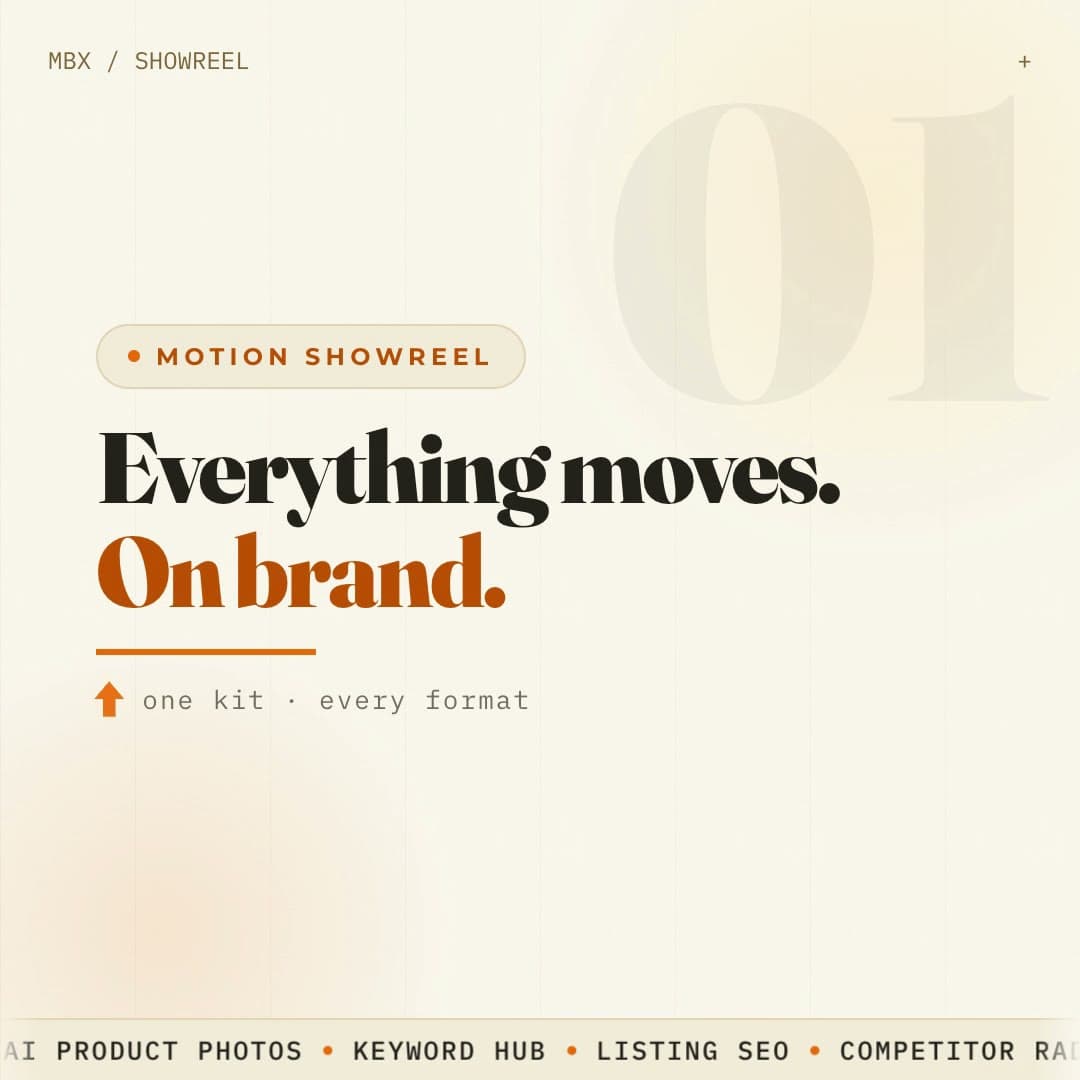
Here's the 24-second showreel we build once and re-skin for every announcement. Every frame of it was rendered from code:
Our motion showreel — count-up charts, a 3D cube, a camera fly-through of real product photos, and a logo wall. All from HTML.
💡 The key shift: your video stops being a project file and becomes code. Build one good layout once, and every next video is just swapping the words and re-rendering — 30 seconds, not 30 minutes.
Describe the video, don't drag clips
Instead of nudging clips around a timeline, you write the scenes — the text, the shapes, the motion — in an HTML file, and a tool called HyperFrames renders it into a clean MP4. It sounds nerdy, but the logic is the whole point.
Because it's code, it can be templated. And two things make it genuinely different from the usual AI-video tools:
What sellers actually make with it
How you'd actually try it
You need Node and a terminal. Scaffold a project:
npx hyperframes init my-videoOpen index.html, describe your scenes, then render it to a file:
npx hyperframes render . -o out.mp4Don't want to touch code? Set it up for your AI agent in one line — this installs everything it needs:
npx skills add heygen-com/hyperframes --all…then just ask Claude Code or Codex in plain words:
Add captions to my video with HyperFrames.
Turn my slides into a video presentation with HyperFrames.
💡 The showreel above was made exactly this way — one HTML file, an AI agent, and a free local render. Our brand kit (colors, fonts, logo, the running ticker along the bottom) lives in the template, so every new video comes out on-brand automatically.
The bottom line
If you keep making the same kind of video — listing reels, captioned clips, presentations — this turns a manual grind into a repeatable pipeline that costs nothing to run. It's overkill for a one-off birthday clip; it shines when you need volume and consistency.
That's the same philosophy behind MakeBox: set the system up once, then let AI run it. Try MakeBox free at [app.makebox.ai](https://app.makebox.ai) and put your listings on the same footing.
Want to talk through your setup?
Get in touch and I'll walk through what would actually move the needle for your shop or business.