 MakeBox
 How to Write Etsy Descriptions That Rank AND Convert in 2026
Stop guessing. Learn the exact 5-section structure for Etsy descriptions that rank on Etsy and Google, and turn browsers into buyers in 2026.
You’ve nailed your title and tags, but your description is still a wall of text—and your sales are flat. In 2026, Etsy descriptions need to do double duty: feed the algorithm and convince a buyer in under ten seconds.
💡 The winning 2026 Etsy description formula is keyworded opening → scannable details → benefits → logistics → CTA, all in 250–400 words. Most buyers only read the first two sentences on mobile, so front-load everything that matters.
Why Descriptions Still Matter for Ranking in 2026
Etsy’s algorithm has evolved, but descriptions are far from dead. Here’s what the 2026 SEO guides agree on:
What About Mobile?
Over 70% of Etsy traffic comes from mobile. Buyers scan your description in about 10 seconds—often only reading the first two sentences. If your hook isn’t there, you’ve lost them.[3][4][5]
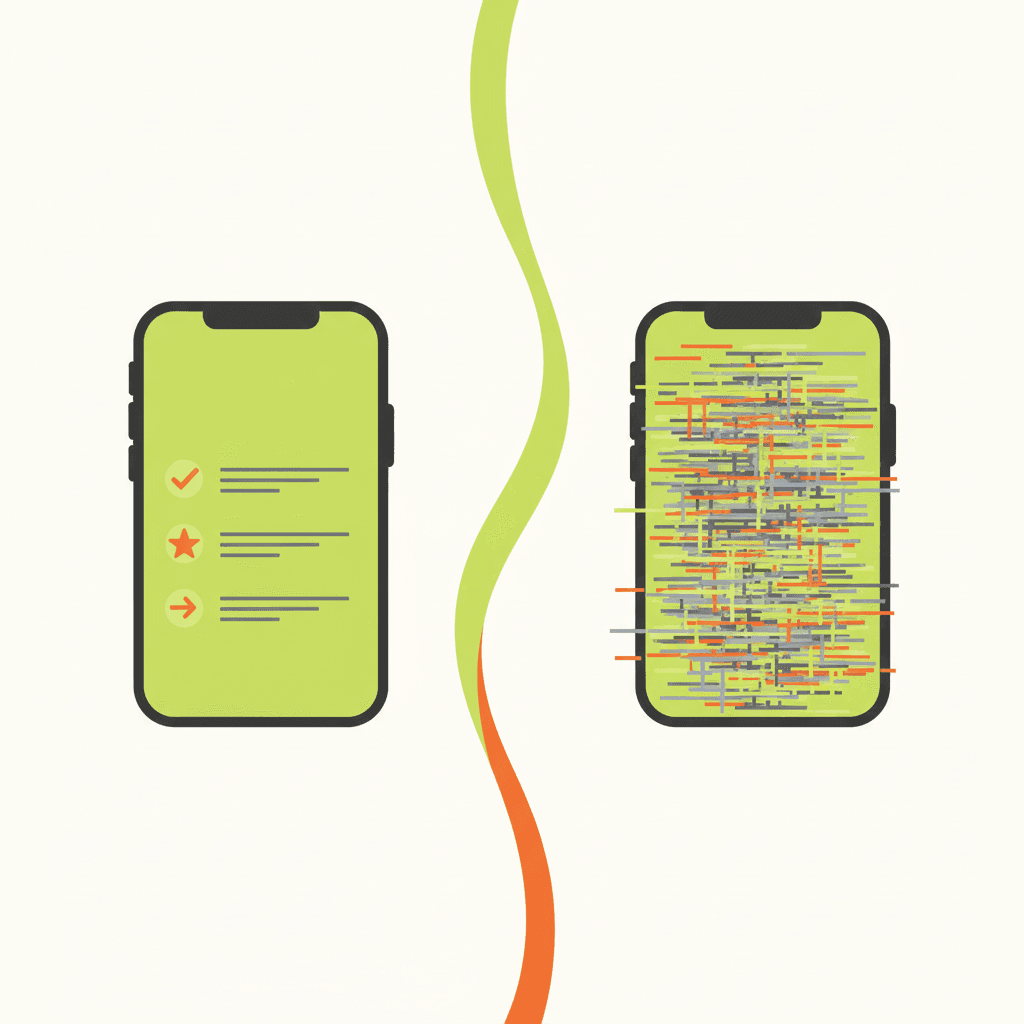
A flat illustration comparing a mobile phone screen with a short, scannable description (bullets, bold opening
The Proven 5-Section Description Structure for 2026
After testing dozens of templates, the one that consistently works is the five-section framework (250–400 words total).[6] Here’s exactly how to build it:
1. Opening Hook (50–100 words)
2. Product Details (bullet list)
3. Use Cases & Benefits
4. Care & Handling (if applicable)
5. Shop & Logistics (short paragraph)
💡 The five-section framework covers both SEO and buyer objections in one go. No need for separate sections—just keep it under 400 words and scannable.
SEO Tactics Inside the Description
Keyword Placement
Formatting for Skimming
Alignment with Titles & Tags
Your title, tags, attributes, and description must all target the same buyer intent. If your title says “Wedding Seating Chart Template,” your description shouldn’t open with “Printable poster for home decor.” Mismatched signals confuse both Etsy’s algorithm and shoppers.[8]
Conversion Tactics That Turn Views into Orders
Answer the Top 4 Buyer Questions
Every 2026 guide says you must answer these explicitly:[4][6][12]
Lead with Benefits, Not Just Features
Instead of “This print is 8×10 inches,” say “This 8×10 print fits perfectly in a standard frame, so you can hang it right away.”[1][4][9]
Use a Gentle Call-to-Action
Close with something like: “Ready to brighten up your nursery? Add this to your cart now.” Or for custom items: “Message me your color preference after ordering.”[3][12]
Keep Your Brand Voice Human
Avoid generic AI-generated descriptions that sound robotic. Buyers can tell. Edit any AI output to match your tone—friendly, professional, quirky, whatever fits your shop.[5][8]
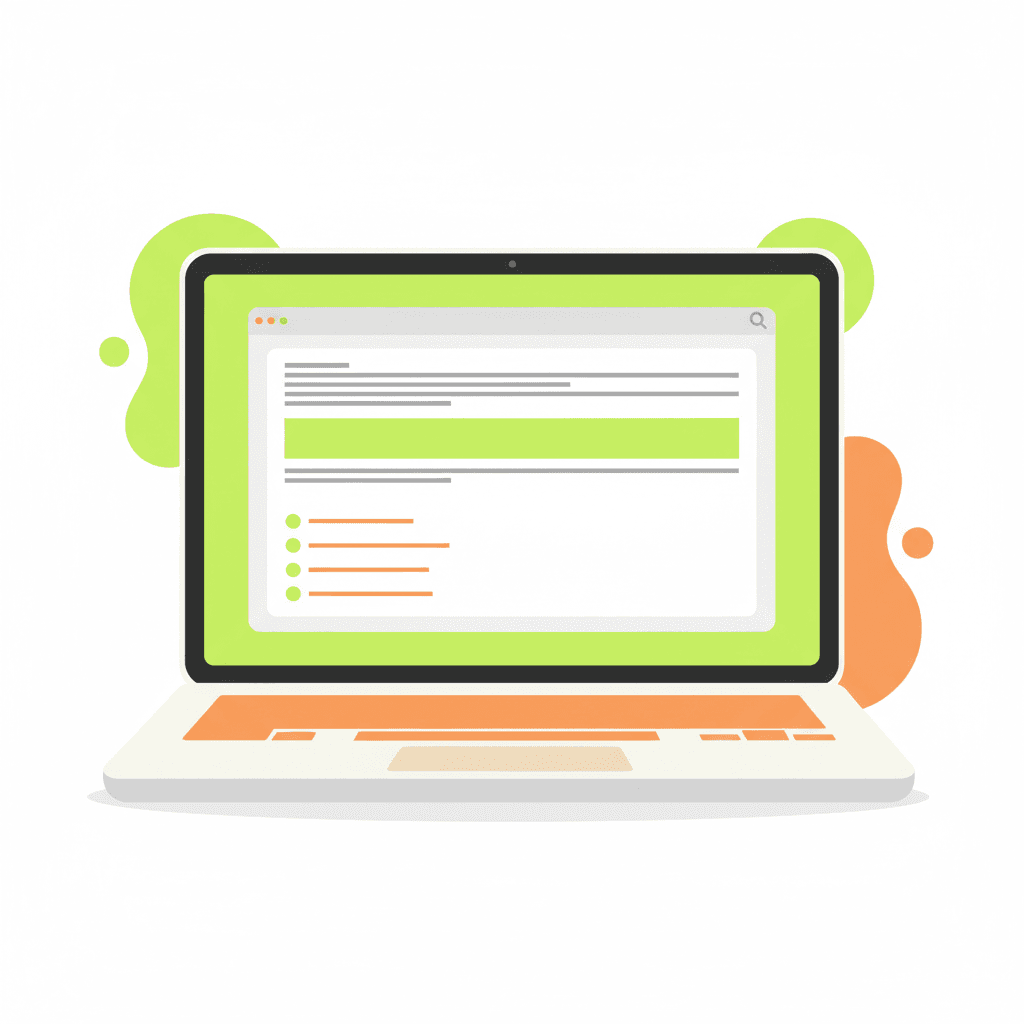
A flat illustration of a laptop screen showing an Etsy description editor with a highlighted benefit sentence
How to Write a Description in 5 Steps (Actionable Checklist)
Then read it on your phone. If you can’t understand the value in the first two lines, rewrite.
Common Mistakes That Kill Your Descriptions
FAQ
How long should my Etsy description be in 2026?
Aim for 250–400 words. That’s enough to cover SEO, details, and persuasion without overwhelming mobile shoppers.[6]
Should I use AI to write my Etsy descriptions?
Yes, but always edit the output. AI can give you a solid draft, but you need to inject your brand voice, check for accuracy, and ensure the opening hook is natural. Generic AI descriptions hurt conversion.[5][8]
Do descriptions directly affect Etsy search ranking?
They contribute indirectly. The first few sentences help with keyword relevance, and a good description improves conversion (clicks, purchases), which boosts your listing quality score. So yes, descriptions matter for ranking, but titles and tags are heavier signals.[7][8][15]
Stop Writing Descriptions That Don’t Sell
You now have the exact formula that works in 2026. But writing each description from scratch still takes time. That’s where MakeBox AI comes in.
💡 MakeBox AI generates Etsy descriptions that follow this proven 5-section structure—with your keyword front-loaded, benefits highlighted, and a clean CTA. Then you just tweak the voice.
Try it free today at app.makebox.ai. No credit card required. And if you want the full SEO picture, check out our Etsy SEO extension to align titles, tags, and descriptions in one click.
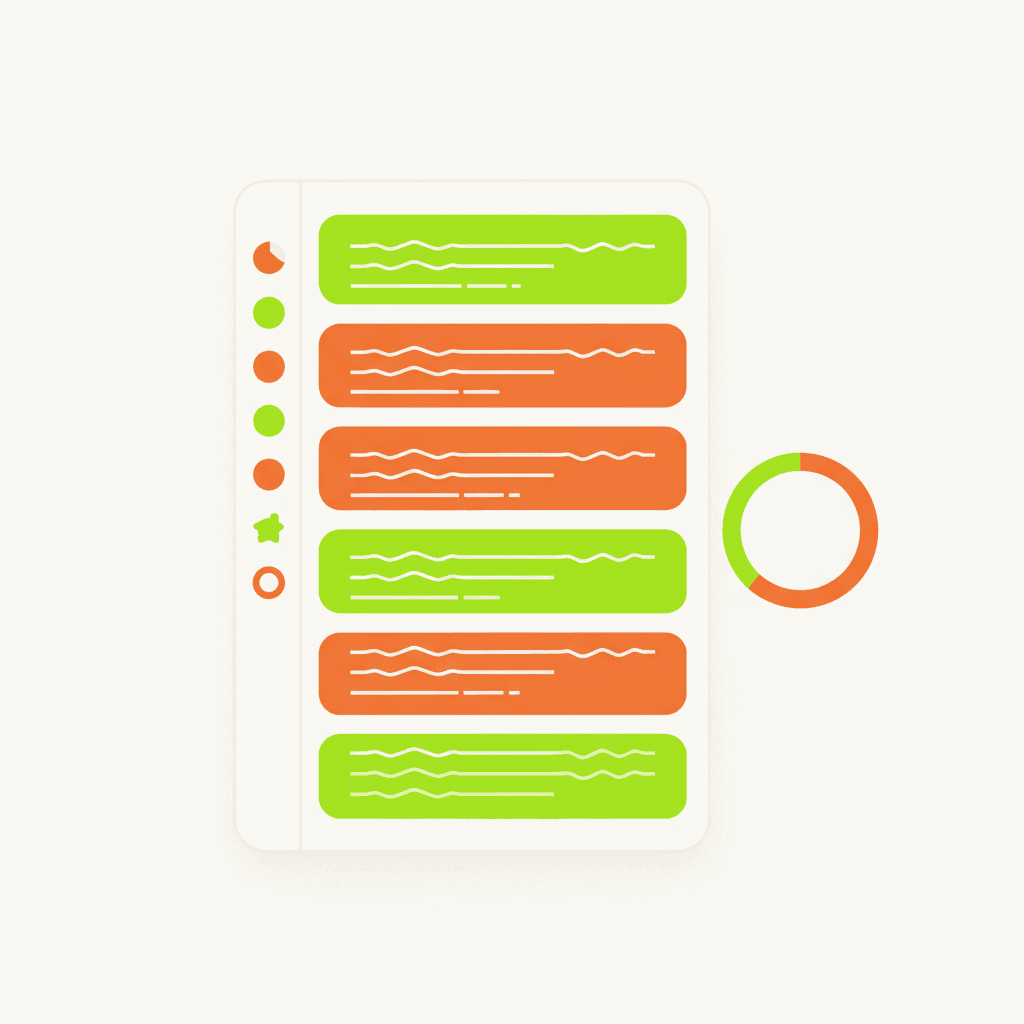
A flat illustration of a dashboard showing MakeBox AI generating a description with the five sections highligh
Want to talk through your setup?
Get in touch and I'll walk through what would actually move the needle for your shop or business.